
How can I update my card details?
1 min read
Updated Feb 17, 2026
Keeping your card information up to date is essential to ensure uninterrupted renewals and continued access to WPDM product updates. If your card details have changed or need to be updated, notify us as soon as possible to avoid any disruption in service. Please follow the steps below to submit your request:
- Log in to your WordPress Download Manager account.
- From your Dashboard, navigate to the Purchases tab.
- Click on Order Details for the relevant order.
- Scroll down and send an Order Note to the site admin, clearly explaining your request and providing the necessary details about the issue (Order Note tutorial).
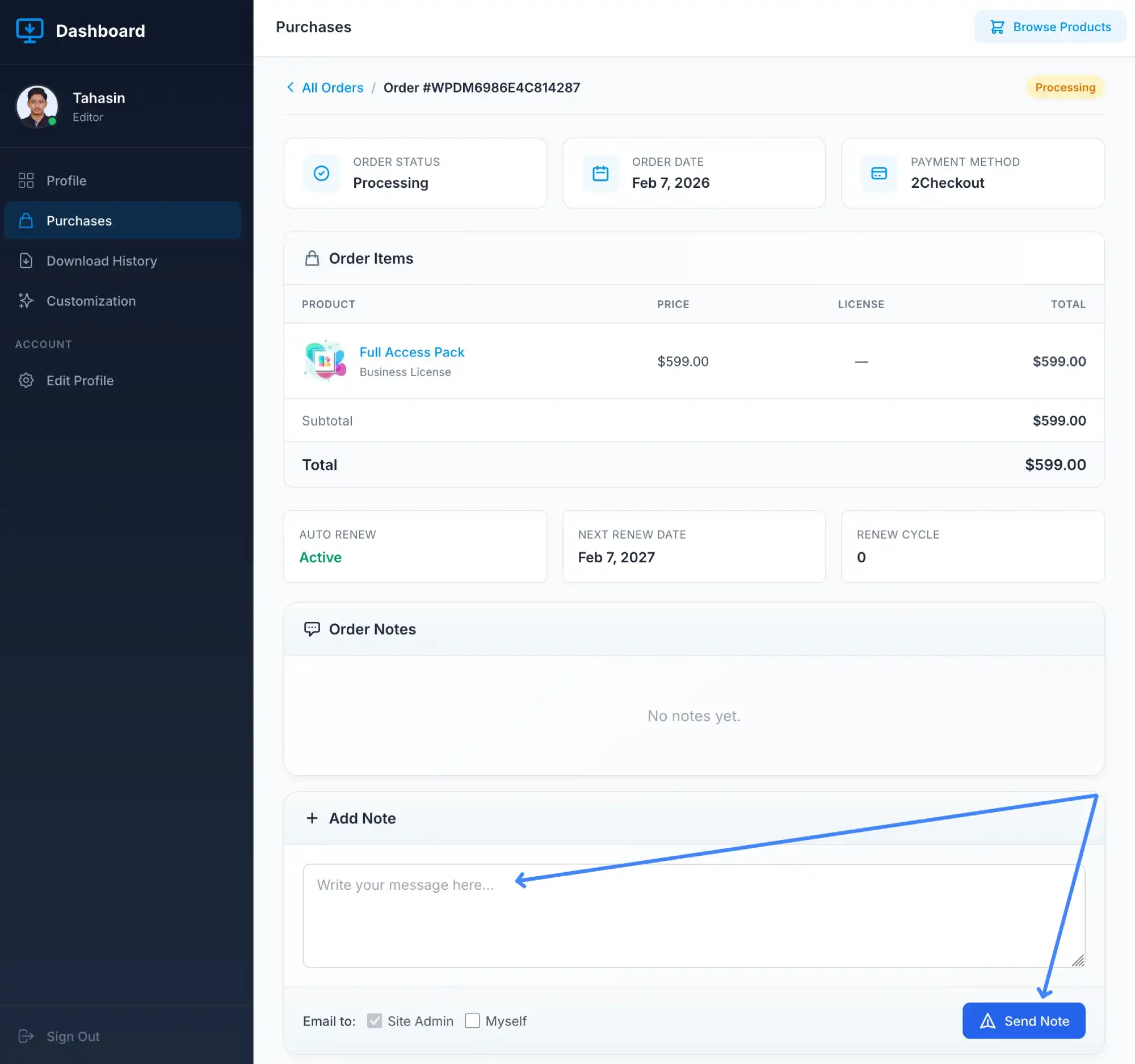
Once your order note is received, we will provide you with the proper instructions to update your card details securely.