
Creating a new template
1 min read
Updated Feb 18, 2026
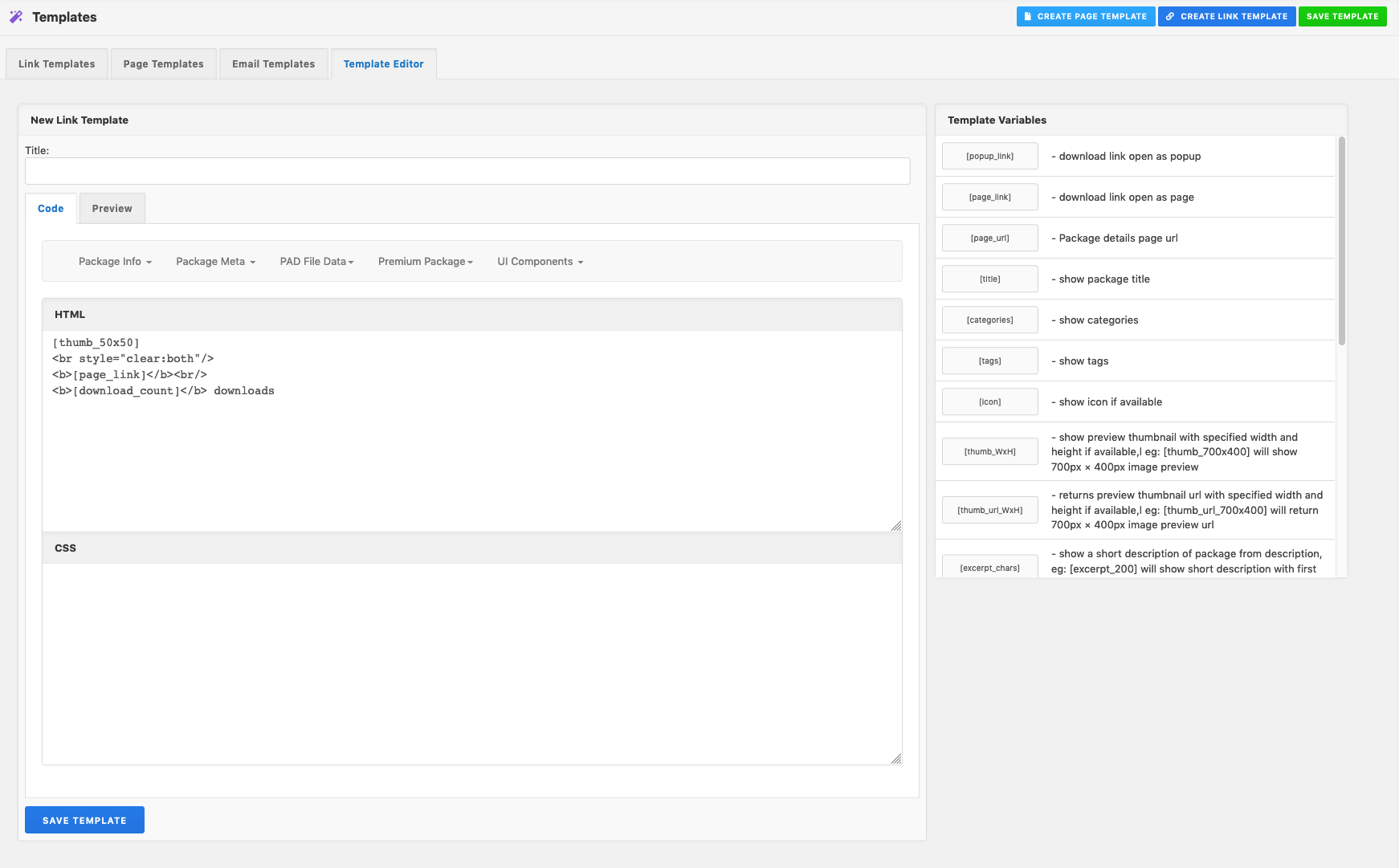
The easiest way to create a new page or link template is to clone any existing template and then make whatever change you want.
- Go to Downloads -> Templates page of your WordPress admin panel.
- Click Link Templates or Page Templates link on the top of the screen.
- Mouse hover on any existing templates, click on the Clone button and then you will be redirected to a new page named Template Editor.
- Give a new title in title box.
- Customize your new template as you want in Content box. Note that, there are several template tags which you’ve to use to display content properly.
- Finally, click on the Save Template button to save your custom template.