Hello Ryan Stueve,
Hope you are well. Thanks for writing to us. WPDM attached files are generally stored in the wp-content/uploads/download-manager-files directory. For now, we have no such option for exporting a CSV of all files stored in the Digital Asset Manager. However, for your requirements, you can also check the options from Downloads > Settings > General as I image attached

please check and let me know
Thank you and regards
Glad to hear that part of your issue has been resolved. Now, for adding jar file for available in download, Have you checked the settings here Downloads > Settings > General > Upload Settings > Allowed file types to upload as I image attached,

please check and let me know
Thank you and regards
Hello, Lee
I hope this message finds you well.
please follow these steps for updating the plugin,
1 ) Deactivate and delete the old version. You won’t lose any data.
2 ) Download latest version
3 ) Install the latest version and activate the license key.
To enable the auto-update, login to your WPDM account from the Downloads > Settings > License tab. If login is successful and you have an active subscription then you can update the future releases right from your plugins page.
Regards
Hello David Forman.
Hope you are well. Can you please check our Downloads > Stats > Download History section too? here, you shall find the details stats of the download of any packages.

please check and let me know
Thank you and regards
Is there any way to log events in GA4 when someone downloads, I know I can create events manually via tag manager but didn’t know if there was any sort of integrations already?
We are looking to know details like where the user is, device type, which page they downloaded on, etc. and the basic stats don’t provide that info.
I am using an email lock form with the box.com add-in. Once the email is submitted, instead of getting the download, my readers are left with a spinning/loading page and then a 502 error. Please advise. I have cleared all caches. This is occurring on multiple browsers from multiple IP addresses. I will leave the login and password in the next comment.
Nayeem,
I have only got it partially to work.
This works:
If the user is not logged in, then the “add_to_cart” button works and the user is taken to the cart.
There they can login (or register), the discount is applied and the complete payment button shows which they click.
The license is then generated and they are taken to the purchased page and see the order and newly generated license key.
However this doesn’t work:
If the user has registered and logged in then there is no way of adding the package to the cart to purchase it as the add to cart button has been turned into a direct download button. thus it downloads the package without generating a license key.
I realise that a logged on user doesn’t need to generate a new key every time the redownload the package.
Is there a way to check if a package has been purchased before it is downloaded?
Simon.
The. issue is that the license key is only generated when processing checkout.
If a customer is logged in then
Hi there 👋
We’ve been using this plugin for a couple of months with great joy. Yet, there is an issue that is growing on us.
We use the download history feature to check the amount of files a user has downloaded. We sell subscriptions, with a refund policy. If you have downloaded over a certain amount of files, you are not able to receive a refund (to avoid misuse of our terms).
In the past, we had multiple people requesting a refund where they explained certain issues with the files they have downloaded. Yet, when we check their history, it says the user hasn’t downloaded anything. The explanation about our files by the users are so specific, that’s absolutely impossible that they haven’t downloaded any files yet.
So, the question is; why is the plugin not registering every download? This makes our refund process very difficult. Users can only download while logged in.
Thanks!
Hello,
I have the following problem:
Downloads are offered on various pages of my WordPress installation.
When opening the page, the loading process is often (not always) interrupted and the page appears incomplete. It is not that only the downloads are missing, but many areas of the page are not loading.
When I refresh the page (F5), everything usually appears normal again.
The problem occurs irregularly, I cannot recognize any pattern.
I have tested the problem with Firefox and Chrome. It also occurs on different PCs.
The site is: https://schulverbund-oberes-filstal.de/service/downloads/
Screenshots:
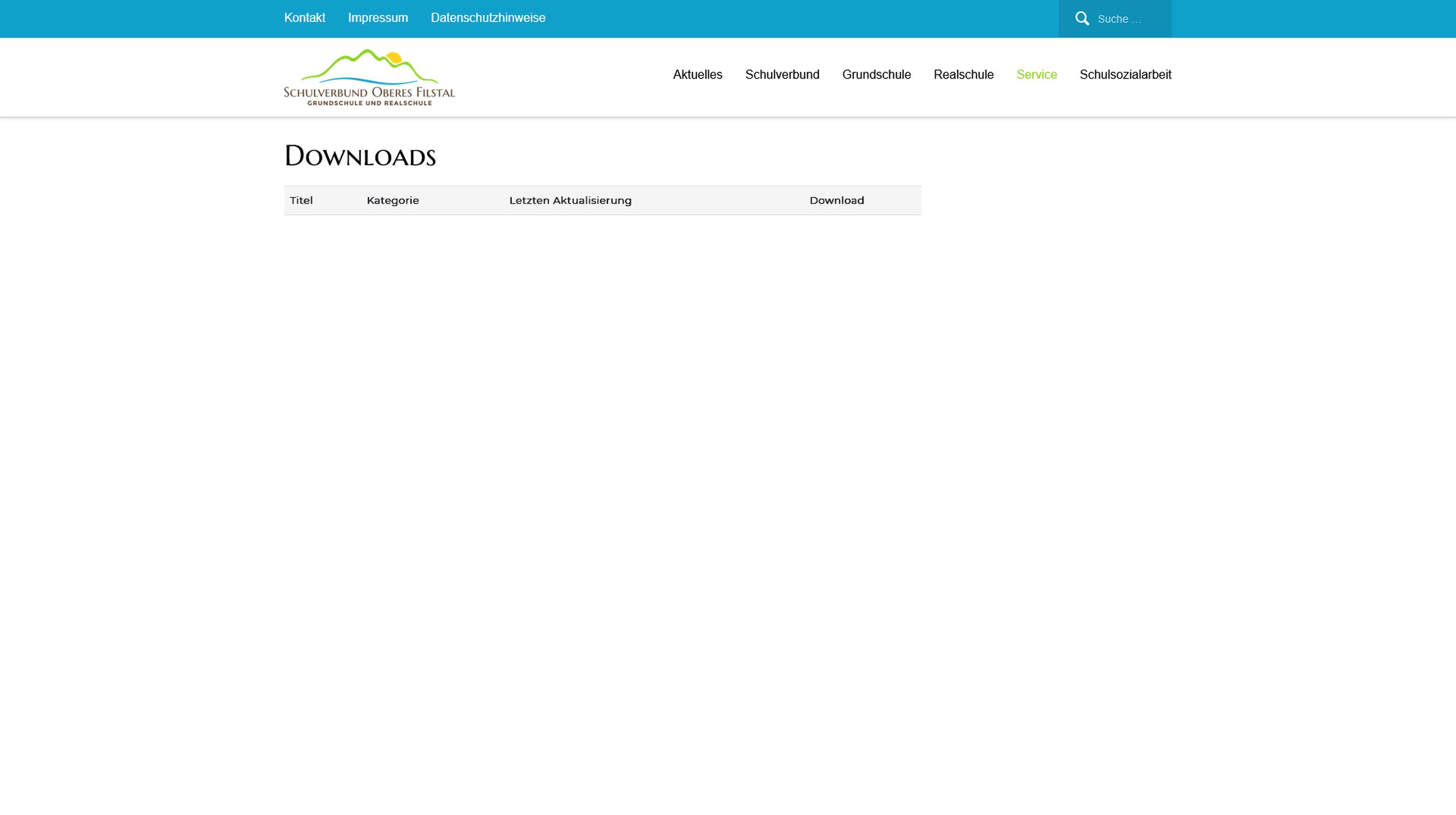
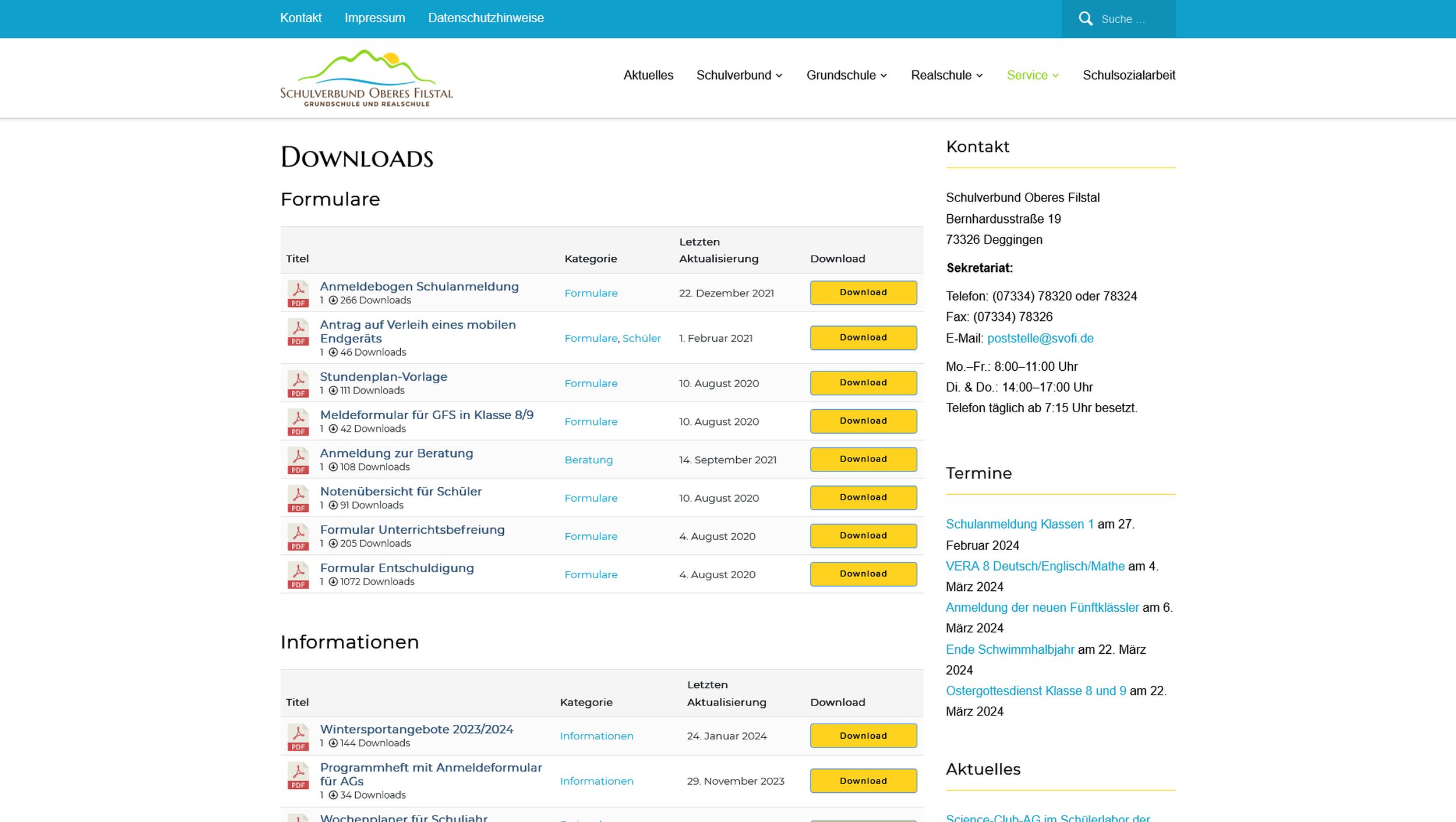
Can andybody help me?
Best regards
J.
Hello Diane Wright,
Hope you are well. And sorry for the inconveneince. If you are trying to authorization wait before downloading for shortcode wpdm_all_packages. You can restrict packages with the Allow Access option from the package settings, if you are trying user will not be able to download directly from the shortcode page, you can also adjust the shortcode appearance, for more details you can check here, https://www.wpdownloadmanager.com/doc/short-codes/wpdm_all_packages-list-all-downloads-in-tabular-format-in-a-page/ for cols parameter. And for premium packages, they should be added to cart before purchase. please check and let me know, if you have any queries.
Thank you and regards
Hi,
I just wanted to inform you about a minor (but annoying) issue I noticed with the Copy Shortcode feature (in Chrome browser on Windows).
Symptoms:
Today I noticed that the text strings in the Shortcode column of the Downloads – All Files table had become blank and the copy buttons next to them had stopped working. I realised that it was because I had installed the All in One SEO plugin which added extra columns to the table and reduced the space allocated to each column. It seems that Chrome stops rendering the text when the input field is too small, and this breaks the copy function (which has no text to select).
Steps to repeat:
This behaviour can be repeated by simply reducing the width of the Chrome browser window until the text in the Shortcode column disappears. Now the copy buttons will not copy anything.
Regards,
Tim
The WPDM File cart add-on demo is here, https://www.wpdownloadmanager.com/download/wpdm-file-cart/ and also check the attached image here,


Here, https://www.wpdownloadmanager.com/download/wp-pro-membership/ WP Pro Membership is a separate plugin, and [wpdm_user_dashboard] is a shortcode of the Download manager plugin, for more details, you check this here,
https://www.wpdownloadmanager.com/doc/short-codes/wpdm_user_dashboard-user-dashboard-short-code/
And for your requirements,
#2, Various view of layouts, you can check Downloads > Templates > Page/Link Templates Preview and also the Import Template section
#3, For stats overview you can check the Downloads > Stats section
#4, For membership you can check our membership add-on, https://www.wpdownloadmanager.com/download/wp-pro-membership/ and for email collection before download, you can use the email lock feature, https://www.wpdownloadmanager.com/doc/add-new-package/lock-options/
#5, For stats and history overview you can check the Downloads > Stats > Download History section
#6, For this, you can check the User Dashboard shortcode, https://try.wpdownloadmanager.com/user-dashboard/?udb_page=download-history
#7, For cloud storage you can check these add-ons, https://www.wpdownloadmanager.com/downloads/cloud-storage/
#9, For theme you can check our Attire theme, https://www.wpdownloadmanager.com/download/attire-allinone-wordpress-theme/
#11, For category-based, you can give password lock individual files and also check them for category/tag
#12, For now, for Download Limit, you can check this add-on, https://www.wpdownloadmanager.com/download/download-limit/, you can also take any customization services too
#13, Can you please elaborate more on your requirements?
#14, For that, you can check the File cart add-on, https://www.wpdownloadmanager.com/download/wpdm-file-cart/
#15, You can do this with this add-on too, ou can check the File cart add-on, https://www.wpdownloadmanager.com/download/wpdm-file-cart/
please check and let me know, if you have any queries.
Thank you and regards
Ok. I see the File Cart in use on this demo instead: http://demo.wpdownloadmanager.com/addons/membership-plans/
Please explain the difference between https://www.wpdownloadmanager.com/download/wp-pro-membership/ and shortcode [wpdm_user_dashboard].
Is WP Pro Membership a WPDM addon or is it a totally separate WordPress plugin? Confused.
I’d love to work with you to figure out all of the addons we’d need to meet our objectives. Our initial install of WPDM pro is not using the newest addon/functionality to meet our latest needs. Here are our objectives: (What combo of addons would you recommend?)
1 – Download single, by category or by selection to an auto zip file. (Doing this now)
2 – Flexibility to create a desired view of downloads in various layouts. (List (sorted), masonry, title that expands, card etc.)
3 – Get stats based on single download, zip file download (with single files increment).
4 – Collect email prior to download. OR create a login membership.
5 – Backend: Get stats based on email (John downloaded these files historically).
6 – Frontend: Let visitor see which files they already downloaded by searching using their own email.
7 – Store files in the Cloud.
8 – Embed downloads in a post or page. (doing this now)
9 – Style download buttons. (doing this now – would a theme be better? Does that happen sitewide or only for WPDM packages?)
10 – Provide a Title/description per download in text editor (in case we want to add video or other content). (Doing this now)
11 – Password protect a single download (doing this now) Is it possible by group of downloads (by tag or category or other).
12 – Limit the number of downloads per session or IP or email.
13 – Differentiate between a FIle Manager and a DAM relating to your tool. Could we use your tool as a DAM for images to be used on WordPress instead of the Media Library?
14 – Let visitor select files they want no matter what page, package, etc and download the selected files not ALL of the files. Zip the selected files into one for download.
15 – Let the WP ROLE (Admin or editor) select files to suggest to a registered visitor with an email containing links to files.
.
Hello CIALGAR,
Hope you are well. And thanks for writing to us. Are you searching for the User Signup Notification email template as I image attached,

You shall find and customize it from the Downloads > Templates > Email templates section. please check and let me know, if it helps you.
Thank you again and regards
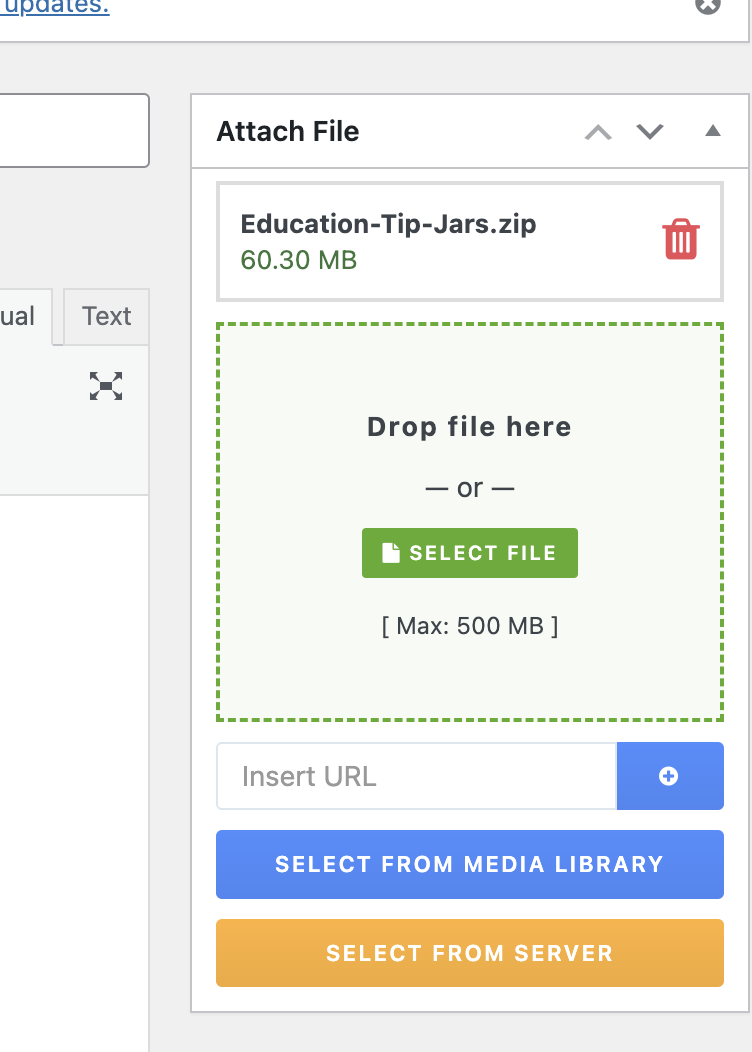
My Downloads are not allowing multiple files anymore?
Has this happened to anyone else? When i drag or copy another file it just replaces the existing one
Hello
I’m trying to customize how my installation of wp download manager displays my downloads on a local development website so I can upload them to a published site in production, but following the instructions posted at instructions and I try to change the post meta titles, it doesn’t work.
I would also like to customize, for example, the font size, color, etc. to harmonize the presentation with my Twenty Sixteen WordPress theme installed.
Any suggestions?
Thanks a lot for your supoort.
Hello Tahasin,
thanks for your fast answere! The Article helped me very much to understand the DropZone.
So, may I’ll tell you about my usecase:
We have a Download-Center, where users can acces Downloads that are allowed for their Roles.
We have several pages, where only a special role is allowed to access the Downloads. A user, that is allowed to download from page A is NOT allowed to download from page B and C.
On this pages we would like to implement a DropZone field, that we can simply add downloads via frontend. These downloads may only be visible on the page where they were uploaded via DropZone. They must not be visible on any other page. We need a user role that is allowed to access the uploaded files that es not allowed to access the WordPress backend (like standard WordPres roles like Subscriber or Viewer).
Is this possible via DropZone? Can we have multiple DropZones on a WordPress Site?
Regards
Chris
You can also try this shortcode
Good day, the file renaming feature does not seem to work properly.
Steps taken:
– File on server has name “19.3.4.121.zip”
– In WPDM backend, we rename it to “Driver_Touchpad.zip”
– In Frontend, name “Driver_Touchpad.zip” is shown file listing
However, when actually downloading the file in web browser, it downloads as “19.3.4.121.zip”
Issue:
– physical file is not renamed on harddisk
– filename is not renamed when downloading from frontend
Test URL, use “Driver_Touchpad.zip”:
https://download.schenker-tech.de/package/xmg-p407/
Kindly assist, thank you
Hello, Alfonso Fernandez
I hope you are doing well.
WordPress PDF Stamper Plugin is specially developed for WordPress Download Manager to protect copyrighted PDF files even after a user downloads them. Without WordPress Download Manager you cannot use WordPress PDF Stamper Plugin.
Regards.
My solution I found ended up using WP All Export/Import Pro.
Failed attempts:
1) Exporting from Download Manager, then formatted the CSV per the documentation. Still results in the failed issue.
2) Exporting using Tools > Export, then import in the staging site the import hangs on the downloads import.
Hello Robert Issendorff,
Hope you are well. For updating the WPDM PRO plugin, Please simply click the Save Settings again for the license key option from Downloads > Settings > License, and then please update the plugin from the wp-admin > plugins panel.
For saving settings again for the license key option from Downloads -> Settings -> License, that will regenerate the access token. Thus the plugin will be updated, hope that, it will solve your issue.
If still, the problem exists then you can also manually update the plugin
Thank you and regards
I seem to have persistent errors that started a long time ago and now I’m getting critical errors.
– There is a critical error on the “Add new” page in the Author section
– Also in the download edit / add new pages the description is blank in the backend, but displaying fine in front. And I can’t add featured images.
– I can’t use the “Quick edit” function in the All downloads backend
Is it possible to delete and reinstall a fresh copy of the plugin? Is there any way to save the data that I have so that I can simply upload it after a reinstall?
Thanks in advance!
This reply has been marked as private.



