
Forum Replies Created

You need to copy all download manager files properly from old path to new path.
ok now. I replaced to custom login shortcode with the one from wpdm pro.
Please download the latest version from premium download area ( https://www.wpdownloadmanager.com/user-dashboard/purchases/ ) and update your copy.. That will solve your issue.
WPDM users don’t need woocommerce, The Premium Package add-on is far better than woocommrece for selling digital products:
There is no way to override it, however, you can copy that file from /libs/class.FileList.php, customize it as per your need and introduce as new template tag using that filter.
For example:
function new_file_list( $package ){
// customized code
}
function custom_template_tag($alltags){
  $alltags['my_file_list'] = new_file_list( $alltags);
  return $alltags;
}
add_filter('wdm_before_fetch_template','custom_template_tag',10,1)
Please use the following add-on to generate shortcodes:
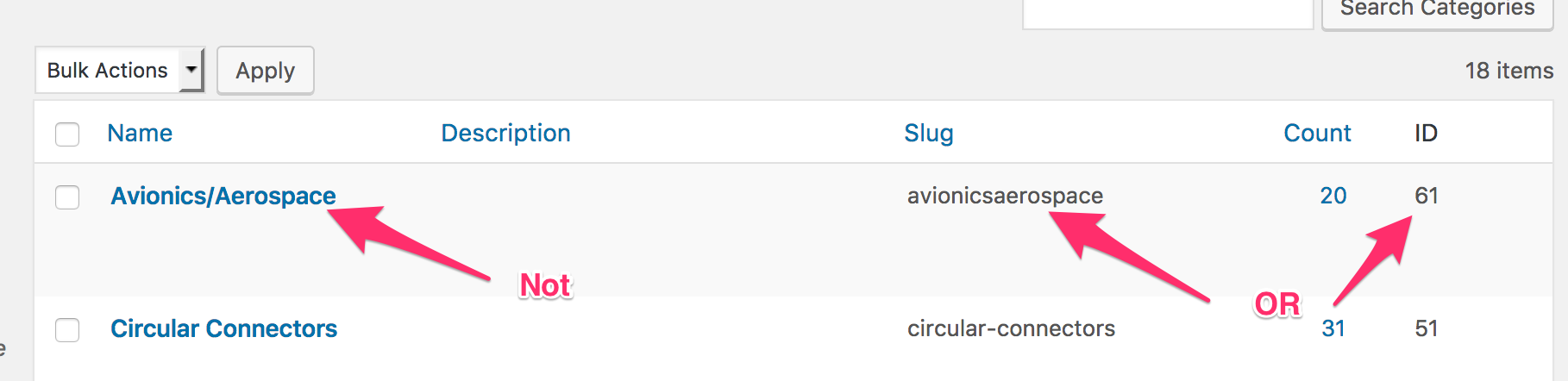
You need to use category slug or id, not category name, avionicsaerospace instead of avionics/aerospace
https://www.evernote.com/l/AV3eUb4ZQa9NVbMewa2hXWVfYzecJRWzMKcB/image.png
It worked perfectly for me:
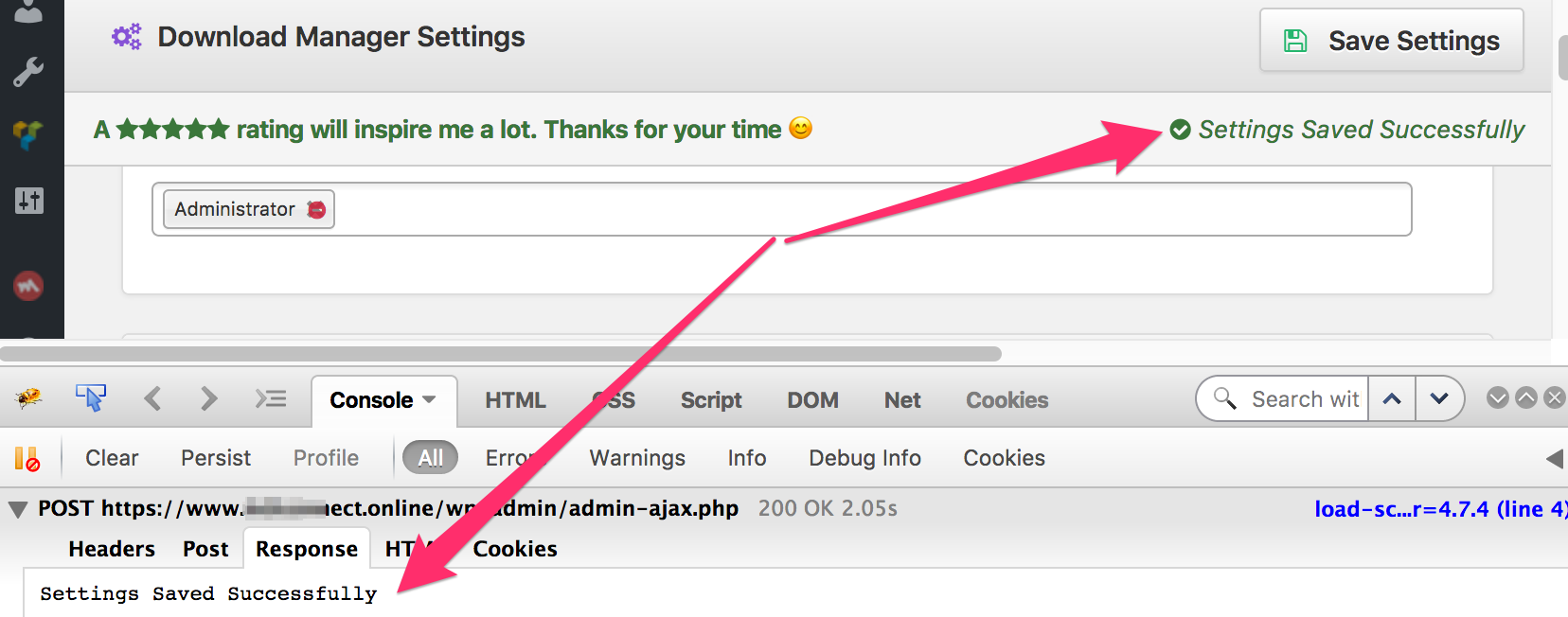
https://www.evernote.com/l/AV3LasrP1EtKzJCGHB_HUKiBMS2Gc4IUh_gB/image.png
Yes, there is no other alternative way of you want to create a thumbnail, and you don’t have to check anything, by default it uses cache and no enable/disable option for that. The first time is not defined by a user, it is defined from the point of page creation. Even if you view the page once, for every other user it will use the cache. But if you want to create a thumbnail, you can use [preview] tag to show the original image instead of [thumb...] tag.
The theme is ok now, I had to install premium package add-on. Though the theme is not translation ready in wordpress way, you can change all homepage texts from customizer.
It doesn’t load full size, after the first time, it keeps a cache of created thumbnail and from the 2nd time, it just shows the thumbnail from the cache.
ok now, I’ve reinstalled the latest version of the plugin.
Sorry, that was an issue with the plugin, we have fixed it for next update. However, I’ve attached changed file here, please download unzip put attached-files.php in /download-manager/tpls/metaboxes/` dir.
Sorry, that is not possible for now, but soon we shall add additional fields like that for individual files.
It seems like your server dir is changed from /var/www/clients/client0/web20/web/ to /var/www/clients/client2/web27/web , seems like files in /uploads/download-manager-files/ were not moved properly.
A page with that shortcode is loading fast for me, also tested it gtmetrix, speed looks awesome:
https://www.evernote.com/l/AV2zlp7-cklGmKOP8Yww2fqH4LZ9MSAPU2QB/image.png

Yes, if flat url doesn’t work for you, then you have to use the shortcode with flaturl=0
Please give me temporary wp-admin login info in a private reply to check your issue.
WPDM link/page template doesn’t support php code.
Yes, you can use the following filter to introduce new template tags:
https://www.wpdownloadmanager.com/doc/filter-reference/wdm_before_fetch_template/
@thepigfarmer, your license key is unlocked, it should work fine with new domain now.
@jeremyrwallisgmail-com, the license key is working fine now. It was showing invalid key because you were using an old version of wpdm pro. Recently, we moved license server from HTTP to HTTPS, and so why, the old version is failing to validate key. However, I’ve modified license server URL in your installation now, please get a backup from your server if you can’t update to latest version.
When tried to login:
Compte en attente : Votre compte n’est pas actif actuellement. Un administrateur doit l’activer avant que vous ne puissiez vous connecter.