-
Search Results
-
Topic: Templates?
So we upgraded from free to pro, and discovered the template we were using, was not included in pro. “link-template-default-old”
I was hoping to use the Import Template feature, but it doesn’t appear (did I miss it) to allow me to upload a file.
So I was hoping just to put this file into the template directory, but the instructions say “If you seriously want to edit any pre-designed template you have to edit those directly edting php files at /download-manager/templates/ dir” and when I log into the server and go to wp-content/plugins/download-manager there is no templates directory.
So I’m looking for some help.
P.S. you have a misspelling in the word “edting”.
Topic: Email Lock Not Working
Hi, emails are not being sent/received when I test the email lock feature. I’ve toggled on “Mail Download Link” and “Download Instantly” and emails don’t come through (I’ve checked spam, promo folders, etc.) either way. This is the only reason I purchased the pro version. Any advice? Thank you.
Topic: License key not showing
Hi
I’ve tried to get my new licesne key and its not showing on the purchases or download page. I put the order in and hit resolve and it says it already linked. Please advise
On the download link…how can I style the background to resemble my site. I don’t really want to go into complex style development.
wanted to change.
https://pacificfactory.au/applications/to resemble the icon block
https://pacificfactory.au/about/I use Elementor the latest version
The “Download File” button was gone after the update and it currently shows a “No file attached” warning. Please resolve this ASAP. Thank you!
Sample link: https://www.teachpinas.com/download/let-reviewer-general-education-part-6/Hello,
I am writing to seek assistance with a challenge I’ve encountered while using the Pro version of WP Download Manager (WPDM).
I have created a custom PHP template for the links, and within the template, I have included a call to display the custom field “expiration date” immediately after the links.
The issue I’m facing is that the custom template works perfectly when used independently. However, when I associate it with the Download Manager shortcode that allows package filtering, the “expiration date” is no longer displayed.
After analyzing the code, I noticed that the shortcode does not provide access to the individual package IDs, which consequently prevents access to the custom field.
To illustrate this issue, you can visit the following page: https://new.ospedaliriunitipalermo.it/archivio-delibere/ and enter the password “olomedia.”
On the page, you will notice two blocks of links. In the first block, the expiration date is displayed alongside each link, and I have also printed the IDs, which are all correct. However, in the second block, where the search fields are located, the same ID “5798” is displayed for each package, which is not the post’s ID but rather the one from the page where I inserted the following shortcode:
[wpdm_category id="delibere, archivio-delibere" operator="IN" toolbar="1" paging="1" orderby="update date" order="desc" items_per_page="10" template="olomedia_show-exp-date" cols=1 colspad=1 colsphone=1 async=1]
I am eager to resolve this issue and ensure that the expiration date is correctly displayed even when using the shortcode for package filtering. Your guidance and assistance in solving this matter would be greatly appreciated.
Thank you for your prompt attention to this matter. I look forward to your response.
Best regards
Hi,
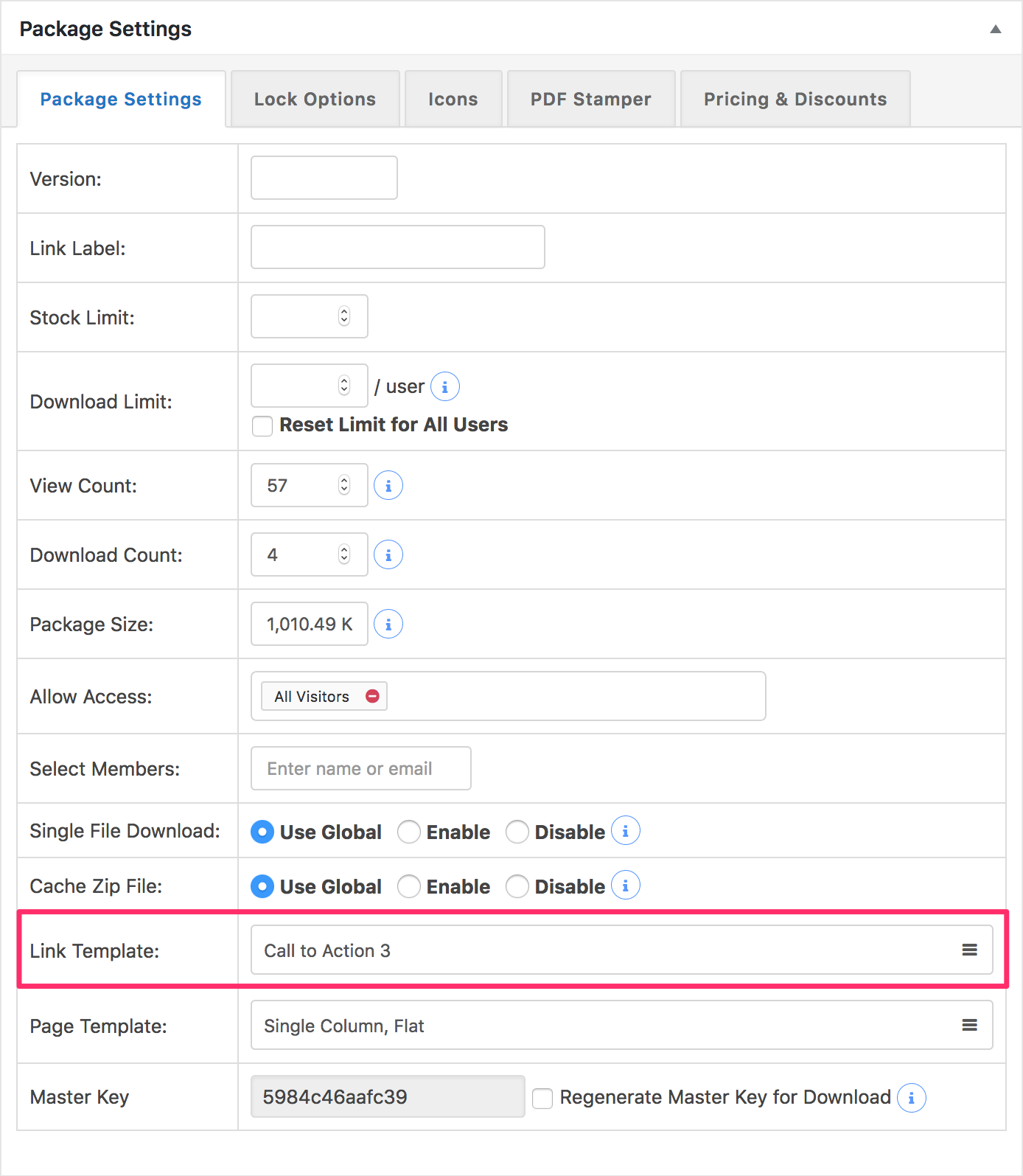
i cant see “Link template” in the package settings for any file. if you can check?
in my case i cant see link template, i just see page template:
Thanks
Hello,
I would like to store my download files on AWS, which I do for my Products download upon purchase and I can enter a link to download my product which is:[amazon_s3 bucket=woo-amazon-storage-config-xxx-xxx object=Name_of_Download_mac.zip]
However, when I try to use this link in Download Manager where it says Insert URL, the download does not work.
What is the proper syntax to direct the download to AWS so that the user can download the file when they receive an e-mail with a download link?Topic: Features info
Hi,
i would like to know about a feature i need on my site, the files need to be visible by a preview (title and excerpt) for all users not logged in without the ability to download them or the link should redirect to the login section, when a user login he have to see just the files for his role and not the ones assigned to other roles.
How do i manage it? Can i do it with the pro version or i need some extra addon? Which ones?Thanks for the attention,
FrancescoTopic: Plugin visual is screwed up
Hi guys,
I cant really use the plugin, because all visuals are completely screwed up.
Example: This is the [wpdm_packages author="1" login="1" paging="1" orderby="field name" order="asc or desc" items_per_page="10" template="Link Template ID" cols=4 colspad=2 colsphone=1] shortcode:
👉 https://diy.woodstein.dk/sfss/
It’s renewing in 20 days, but if I cant find some kind of fix for this, we have to stop it from renewing.
I’ve tried disabling all plugins, so it’s not any of those. Download manager must just not be compatible with my theme i suppose.
anyone got any ideas?