
Forum Replies Created

Hi,
Thanks for pointing the issues, we have fixed them and updated the add-on ( 2.4.2 ).
Hi,
That is not coming from wpdm, please try deactivating other plugins.
Please give me temporary wp-admin login info in a private reply to check your issue.
Hi,
We didn’t change templates in any recent updates. May you please explain your situation little more.
Please give me temporary wp-admin login info in a private reply to check your login page configuration and wpdm settings.
Tried to check it in another way, but login info stopped working.
There are too many entries and current export feature and your server configuration ( for memory limit and execution time ), allowing up to 3000, however, we are improving it a lot in upcoming updates. Then, you will be able to export all with many other options.
# Please use category shortcode ( use https://www.wpdownloadmanager.com/download/advanced-tinymce-button/ to generate shortcode ) or block ( use https://www.wpdownloadmanager.com/download/gutenberg-blocks/ ) .
# To show title, you need to use toolbar=1 as shortcode parameter.
# Please give me your license key in a private reply to unlock it
Hi,
It is because you are not using the latest version of the file download-manager/tpls/wpdm-all-downloads.php, probably, you are using a customized copy, however, if you want to use the latest version of that file, please download the latest version from premium download are and replace that file or all.
Hi,
We have released a new update for WPDM Lazy Load Addon, please update your copy.
You will need the following add-on:
Finally, we have found the issue, a new update with the fix is coming soon.
Hi,
We are not seeing any issue:
https://www.evernote.com/l/AV2ze7qT0MpCG7OmLmubZ2w4Kp7t4C3CdIQB/image.png
May you please explain me, how can I regenerate the issue you are facing and send me temporary wp-admin login info in a private reply.
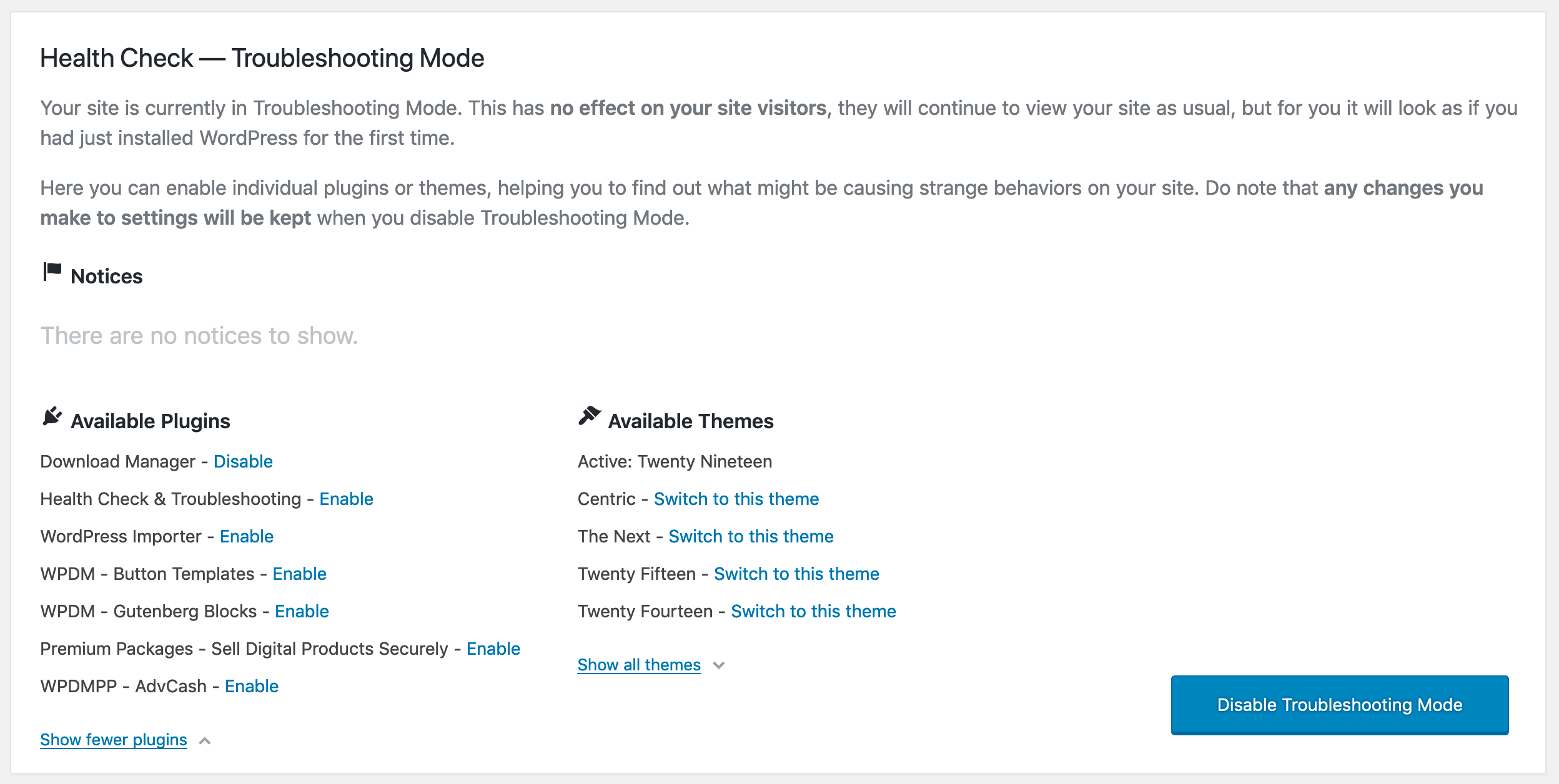
Hi,
The URL is not opening, “Server Not Found” error.
@cm3solutions, probably front-end was not working as plugin folder name was changed, I’ve deleted and reinstalled and the plugin, everything is working fine now
Hi,
I just tried to check, but login info is not working.
Hi,
We are adding some new field with https://www.wpdownloadmanager.com/download/advanced-custom-fields/ where “Post Dropdown” is one of them.
Hi,
No such option is available with a single site license, however, please let me know whenever you need to unlock the key to transfer it from staging to live site.
To reinstall/update manually please follow the steps to upgrade:
1. Deactivate and Delete old version
2. Download the latest version from https://www.wpdownloadmanager.com/user-dashboard/?udb_page=purchases
3. Install and activate the latest version
4. Done! ( The process will not harm your old data/settings )
Even if the popup auto closes, if the user wants to get another link, they can click download button again and request another link with email.
Guest order should work fine now, please let me know if you face any issue there.
Hi,
We have fixed the issue, please update to v1.9.0
Please give me temporary wp-admin login to check your issue.