-
Search Results
-
Hello everyone,
I need to implement the following and have thought of the Download Manager (free or paid version): A user can register for software downloads. To do this, he enters his data and selects one (or more) defined devices via a drop-down menu. By selecting the devices, the user is then only offered downloads that match the selected devices. User selects device A and only receives downloads for device A. User selects device B and only receives downloads for device B.
I have already added the drop-down field to the registration form (selection of one device). I have also already managed to transfer different WordPress roles to the user depending on the value of the drop-down field.
Now I want to transfer the registered user to “Select Members” in the Download Manager in the next step. However, I believe that the programmed solution is not the right way. Therefore, I would also purchase the Advanced Access Control plugin, but first I have to make sure that I can implement my plan with it. To summarise: The download per user is linked to the selection from the dropdown. Depending on the selection, only certain downloads are offered 🙂
Many thanks for your support,
AndreasTopic: Invalid License Key Message
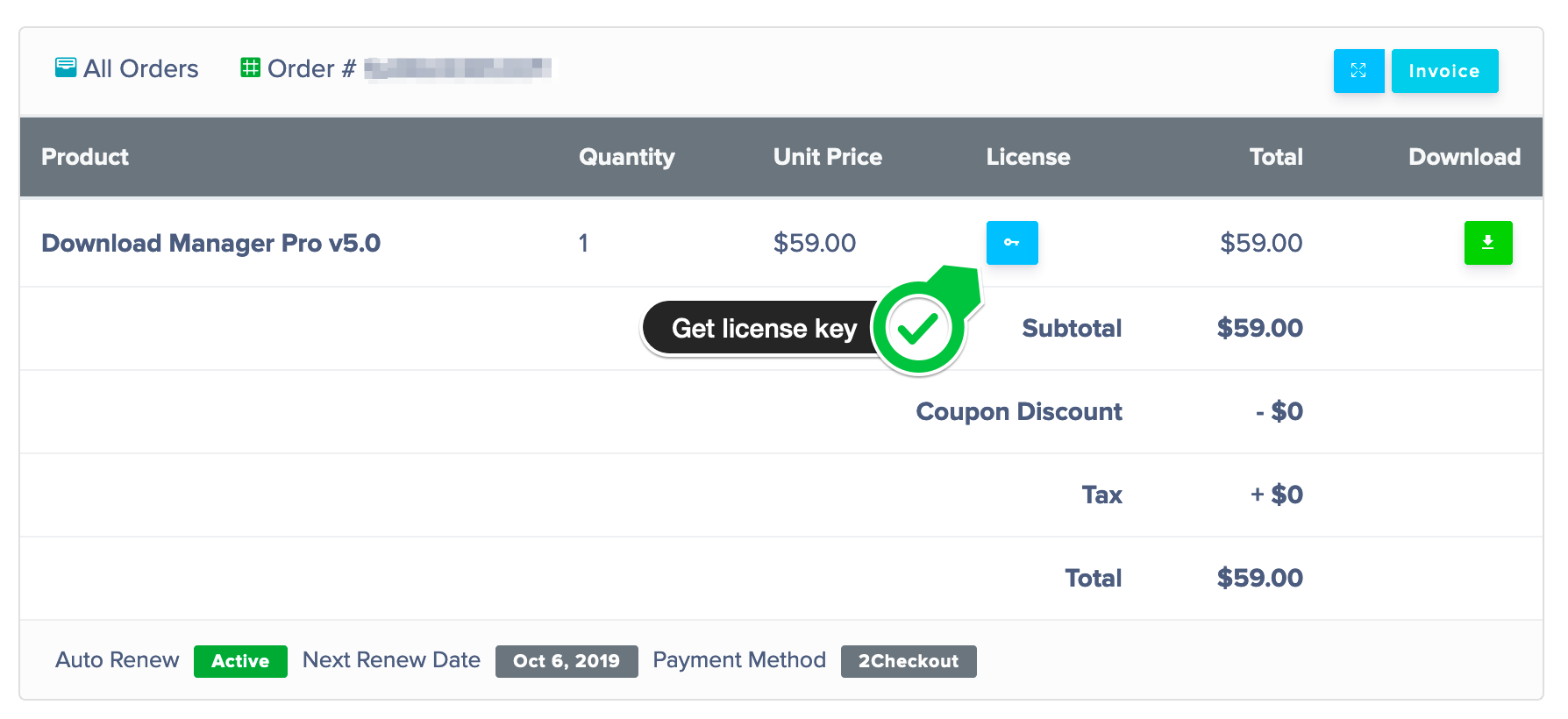
We are getting an “Invalid License Key” Message in WordPress Admin Backend -> WPDownloads -> Settings -> License when we copy/paste the license code from the invoice on the wpdownloadmanager.com website.
Things I have tried
– Rekeying.
– logging out and back into the WordPress admin backend again
– Typing the code in directly
– Copy and pasting the code
– Updating the Plugin from the download link on the invoice page (Confirmed the update took.)Help?
Jeff
Topic: Download page template
How to create a download page template that loads without the theme header? I have the download pages set to load within Woocommerce dashboard and when the link to the download package opens within the user dashboard it loads the header and menu again. How to disable that?
THanks.Topic: Problem with the tree
Hi
I have a problem with the shortcode for the tree. I use the Extended Short-code Add-on an this shortcode:[wpdm_tree order_by=title order=asc download_link=1].I only see the first categories which keep repeating themselves. Here is the screenshot.
Where is the problem?
– Nicole
How to hide download link on fronend dasboard download history?
Topic: Embed Download Links
I’m having an issue with the embedded links to a download. When I put the link to a download onto a post, it embeds it, however when you try and go to the download or click he download button, nothing happens and it doesn’t go to the Download page.
Below is the Chrome console errors when I click either of the links to go to the download page and I’ve included a post URL as an example:
Post Page with link to download page: https://techygeekshome.info/2024/04/java-8-411/
Download Page: https://techygeekshome.info/wpdm-package/java-8-update-411/
Error Log:
wp-embed.min.js?screx=1&sxcb=280a&ver=6.5.2:2 Uncaught TypeError: Failed to construct ‘URL’: Invalid URL
at l.querySelector.d.addEventListener.d.wp.receiveEmbedMessage.d.wp.receiveEmbedMessage (wp-embed.min.js?screx=1&sxcb=280a&ver=6.5.2:2:659)
l.querySelector.d.addEventListener.d.wp.receiveEmbedMessage.d.wp.receiveEmbedMessage @ wp-embed.min.js?screx=1&sxcb=280a&ver=6.5.2:2
postMessage (async)
b @ embed/?ez_iframe=1:9
(anonymous) @ embed/?ez_iframe=1:9I’m currently using Download Manger Pro 6.5.3. When I add more than 10 short codes to any page to embed the download links the page will then time out and I give a 502 error. When I deactivate the Plugin the page loads without issue. What could be causing this? See URL for affected page.
https://www.alvaradomfg.com/resources/sec-resources/.Topic: Download Link Error
Link to download takes user to an error page: Your composer dependencies require a PHP version >8.1
PHP version of site is: 7.4.33
Can you download the plugin to a version that works with 7.4.33? This occurred after an automatic Download Manager update.
This is the page: https://junglesoftware.com/download/gorilla-7xx-installer-for-mac/
I can give LOGIN credentials to do this privately.
Topic: Download mail not working
Since a couple of days the download link sent to customer that want to download our software doesn’t work in most cases. Most of the times it takes more than 10 minutes to receive the email and when it arrives the download link is invalid.
Hi there,
currently I am updating our website locally. We need to increase PHP from 7.4.33 to 8.3.
After updating Downloadmanager from 5.4.1 to 6.5.3 and WPDM Archive Page from 3.0.1 to 4.5.0 the website just shows the inserted shortcodes e.g.
[wpdm-archive category=”140″ cat_view=”extended” button_style=”primary” link_template=”hk_audio” order_by=”post_title” order=”asc” items_per_page=”10″]
[wpdm-archive cat_view=”extended” button_style=”default” link_template=”link-template-hkaudio.php” order_by=”post_title” order=”asc” items_per_page=”10″]This happens on every page.
In another current thread I read about a similar issue but no solution yet.
Today I will setup a testsystem to be able to provide you access if needed.
The website is running under WordPress 6.4.3 and PHP 7.4.33
Do you have any idea?
Thank you in advance.Kind regards