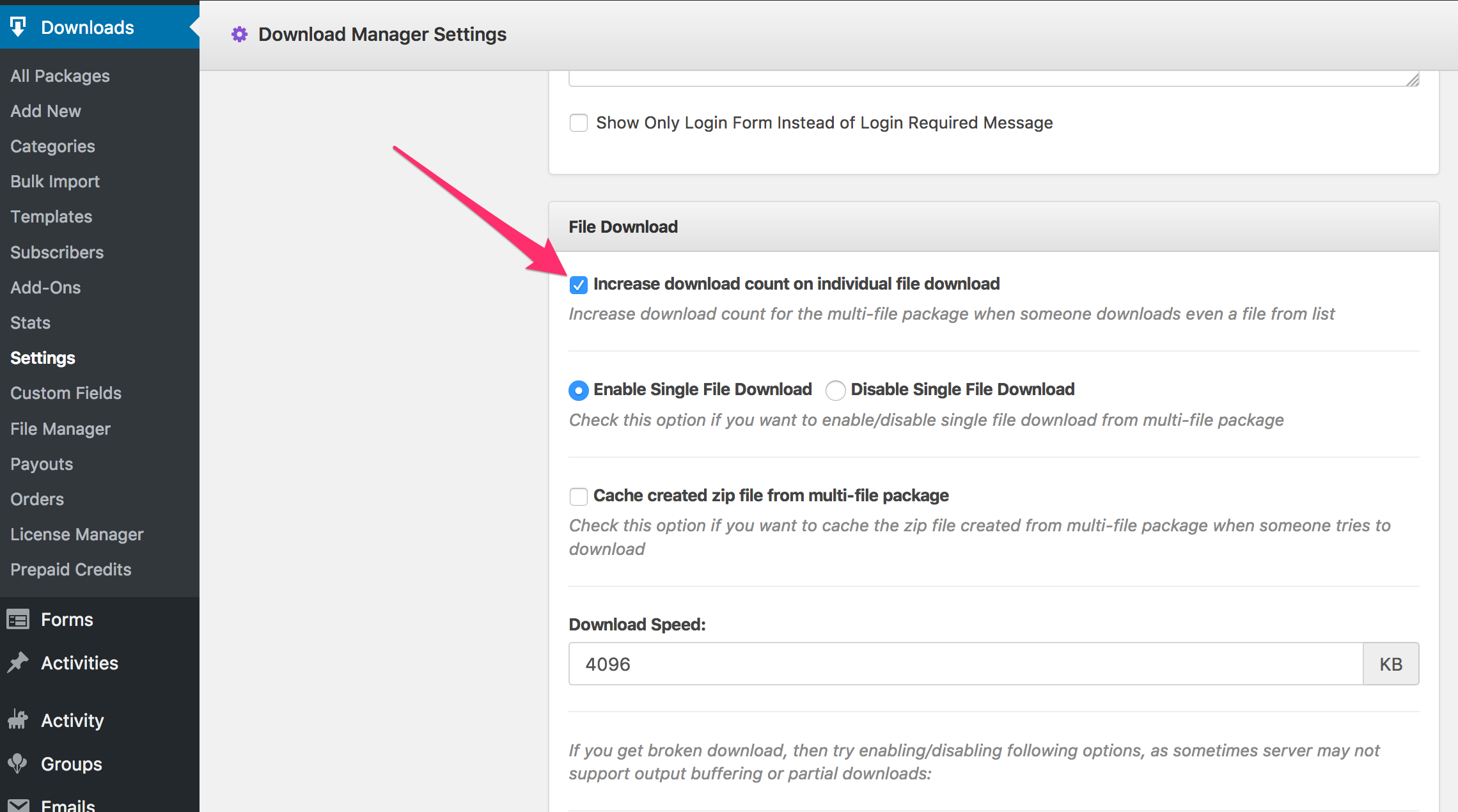
When a file is locked ( where you applied lock option like password, facebook, email or any other ) you need to use the same value for link label as the title.
I have some questions regarding with the Add on page and Responsive table: http://ciss.circlebc.org/e-library/
1. Is it possible to link that search with the responsive table? why? If Yes, how?
2. Is it able to change this: http://prnt.sc/epq2xd
ie remove number of downloads, or the download button
can you change the “All Packages” text to something else?
However, we have an awesome option for priority support and maintenance package at only $299/year, under that plan, we shall keep your site updated all the year and create any link or page template you need. Also for a limited time, we are giving all theme ( https://www.wpdownloadmanager.com/downloads/themes/ ) access with that pack for FREE!
I am using the “Button Template” in Link Templates.
However as I will have multiple downloads on each page I would like to show the filename as the active link text on the button instead of the word “Download”. Can you explain how I can accomplish this please?
I tried adding [title] to the template, which renders the filename, but I want the filename to be the actual link, so that I can remove the word ‘download’
The error was not from wpdm-general functions. Here filenames with umlauts are no problem. But if you use a link template with pdf_thumbnail imagemagick doesn’t find the pdf.
It then throws this error in front-end as I wrote above.
ImagickException thrown
UnableToOpenBlob `C:/xampp/htdocs/wordpress/wp-content/uploads/download-manager-files/1490028691wpdm_ExtbäseFluidCheatSheetTypovision.pdf’: No such file or directory @ error/blob.c/OpenBlob/2702
With <strong>utf8_encode</strong>($source) in class.Filesystem.php:339 it works.
if(!class_exists('Imagick')) return "Imagick is not installed properly";
        try{
            $source = utf8_encode($source);
            $image = new \imagick($source);
            $image->readImage($source);
            $image->setResolution( 800, 800 );
            $image->setImageFormat( "png" );
            $image->writeImage($dest);
        }
Now I try to find out why some colored pdf’s only render greyscaled thumbnails … :-/
But, please let me know if anything is not clear, in that case, please give me temporary wp-admin login info in a private reply, I shall create some sample for you.
Theres’ a lot about design I’m still learning but part of the reason why I purchase themes and plugins from developers is so that I can spend less time searching or tweaking code and work more with other extensive customization interfaces and options.
However when it’s necessary to edit code it’s helpful when the developer openly provides basic documentation to it’s paid users on how to make the required changes in the style.css or functions.php files rather than having to use tools like inspector.
Fortunately you’ve documented many other action, filter, and function references but there isn’t anything on customizing download_link_extended and the template builder doesn’t allow us to change the default design which may not work well in various cases.
Different plugins for the different purpose, coded by different coders with different coding styles and you can’t measure on the same scale. I asked for the screenshot to see how you want to make it, after seeing your screenshot, it seems to me, to is not possible to bring exact style just editing CSS. You repeatedly asking for CSS classes, with due respect, actually who knows well about design, don’t have to ask for CSS classes, they can easily identify it using inspector with the browser ( https://developer.mozilla.org/en-US/docs/Tools/Page_Inspector/UI_Tour ). I also sent you the screenshot for that in my reply #55668. However, the exact CSS class names are .form-group for wrapper div and .form-control for input field:
I would like to change the default [download_link_extended] design to a simpler inline opt-in as pictured in the attachment.
I plan on using different colors and text but I would like the the same basic form layout.
If you have any recommendations that will be greatly appreciated since I don’t have the predefined CSS classes you used to style the [download_link_extended] form, but I will try to use the inspector as well.
Actually the code part of [download_link_extended] is complex, please give me a screenshot mockup making what you exactly want to change, so that, I can suggest your required CSS changes. But, if you are looking for the names of CSS classes and IDs, you may use inspector like this:
If you are using multi-site structure, you don’t need additional add-ons, you simply need to activate wpdm in each subsite separately, Admin of any subsite will be able to manage his category and downloads the way they want, as items of one subsite doesn’t interfere with items of another subsite.
But,
#1. if you want to allow the admin to edit categories from front-end, what will require some customization ( Around 3 hours ). = $225 – https://www.wpdownloadmanager.com/download/custom-upgrade-service/
#2. You will need developer license of WordPress Download Manager = ( Upgrade price is $175, upgrade link https://www.2checkout.com/checkout/purchase?sid=1560048&quantity=1&product_id=6 )
So, total cost is only $400, you even don’t have to go to bank, a punch from your credit card corner will be enough 😀
cross post from wordpress.org, as requested, @codename065.
Having trouble translating wpdm shortcodes in link-template tables into Italian, for instance: title, description, update date, view count, download count, file size, file created. only [download_link_extended] translates. nothing else. also trying to translate the login page place holders (username, password), login button, and “logging in” ajax.
have read other forum notes about .pot problems being fixed more than a week ago, but i still don’t see it. please advise.
On the right hand side there are a number of download links.
The first one is attempting to use the shortcode.
The next four are the original buttons with no shortcode.
The bottom button labelled ‘Download’ is using your shortcode but added via a text widget. This proves the shortcode works normally when not used in a custom field. However as I need different buttons on each page I cannot add them using the text widget.
I have added the following code to my page template used for that page: