This reply has been marked as private.
Hello Chelsea Profit,
Hope you are well. And thanks for writing to us. You can change the Link Label of Add To Cart from Downloads > Settings > Premium Package > Add to Cart & Checkout Buttons section as I image attached,

please check and let me know, if you have any queries.
Thank you and regards
1- ya i want the form to collect user name – email – current page title – link.
2- what about
another thing import option downloading images already in my site so it be duplicated! shouldn’t it check if it in my first then try to download?
i have sheet with less than 5k products all its images already in my site so i don’t need it to re-add it.
This reply has been marked as private.
This reply has been marked as private.
This reply has been marked as private.
I currently suffer a severe trouble that the downlink is open free to download !
Your plugin has previously installed on our IP server at that time everything is fine , but after we Point the IP to our Domain then download link became free to download. Pls advice me how to fix it , many thanks !
This reply has been marked as private.
Is there any possibility to let a user download individual files per shortcode or does one have to use the permalink of the package?
From link template, the files will be downloaded as zip file. Users have the option to download individual files directly from the download page
This reply has been marked as private.
Dear team,
Unfortunately I have been confronted with some scrapers that are trying to systematically download content from my platform despite various security measures. I already have the Download Limit set to 10 daily downloads but scrapers are using IP rotation. I already switched to “send download link to email” but I notice that scrapers can use the same email >10 times.
Is there a way to also limit the same email being used daily? This would help a lot.
Thanks,
Kees
Hi!
I have a bilingual site which I’m using Download Manager on. For the translations, Im using TranslatePress. I was wondering if it was possible to show different files depending on which language the site is being used on? For example, I have a file linked in English, but when the site is in another language, I would like the other file to be shown.
TranslatePress doesn’t create a new page for each language, which I think is why I’m struggling here as I can’t just link a different Download Manager shortcode..
Thanks in advance!
You can customize the template here, template="5cee83e8c6a2a" and link Download text to package link. Please kindly check.
Thank you
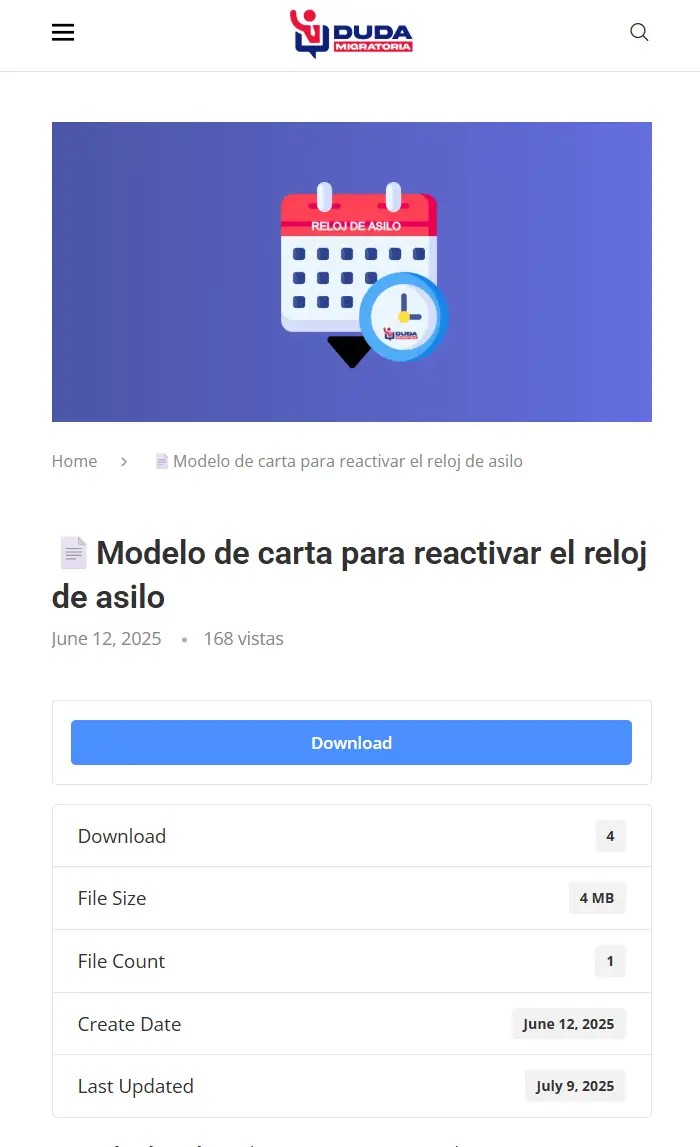
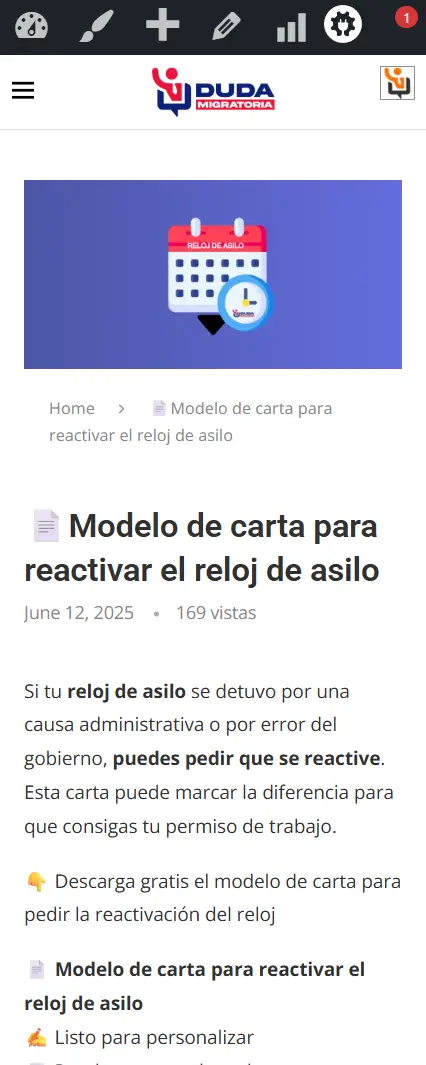
Hello, I no longer see the error but the download button disappears when you view the same link on a mobile device. Take for example this link: https://dudamigratoria.com/download/modelo-de-carta-para-reactivar-el-reloj-de-asilo/
This reply has been marked as private.
Dear Tahasin, thank you for your quick reply.
I will give this link as an example:
https://eureka.eu/download/test_stamper/?wpdmdl=54047&masterkey=Y3-DJ9ucaDatfwd384SsY0tu11CvXIB2KYK__quw1jM6ViXefJE6xAzarsigQAg5LsBlKG9nkAHFc_n9vHaHeRc1rZZmQVg1rarYyS2tC1A
When i visit this link in Chrome, it downloads the file just fine. ( including the stamp “Uitsluitend voor gebruik door mij” on the left)
However, when i visit this link with Safari, it fails the download. It creates a Bericht-In-MyMinFin.pdf.download file, but it fails to start/complete the download. This is both on my laptop as on other Macs with different versions of Safari.
Regards,
Max
This reply has been marked as private.
My downloads have links with document-tag at the bottom of the template, site/document-tag/tagname etc .. these all give 404 errors. Can you help me find out why ?
Hello Marcus Wareham,
Hope you are well. You can adjust the time from Downloads > Settings > General > File Download > Private Download Link Expiration Period. Please kindly check.
Thank you
Hello – What is the default time limit for download links sent to users who use the email lock form? My download links seem to expire after about 5 mins.
The download link is working a desktop but is not working when I view the same link on a mobile device You can test here: https://dudamigratoria.com/download/carta-modelo-para-solicitud-de-asilo/
This reply has been marked as private.
sure another thing what about importing products/downloads is it downloading image from the link or should i upload the image and use its id or name?



