Good morning,
I have download problems with Firefox:
Documents do not open in a new tab like in Chrome or Edge, but are downloaded directly. In addition, FireFox marks “Failed” even though the file is downloaded. It also downloads a .PART file. In short, it’s not terrible at all! Can you help me ?
Hello Laura Miner,
We have also a feature for deleting all Stats from Downloads > Settings > Privacy > Cache & Stats > Delete All Stats Data. But for subscribers deleting, you may keep a feature request here, https://www.wpdownloadmanager.com/support/forum/download-manager-pro-feature-request/, thus, our developer will implement it in the next updates. I hope you have understood. please check and let me know
Thank you and regards
If you don’t want to show that page, you can create a new link template
1. From Downloads > Templates page, you will see CREATE LINK TEMPLATE in the top right corner click on it ,here is the screenshot.
2. Just put this code in the HTML section, provide a appropriate Template Name, ID
<div class="link-template-default card mb-2">
    <div class="card-body">
        <div class="media">
            <div class="mr-3 img-48">[icon]</div>
            <div class="media-body">
                <h3 class="package-title">[title]</h3>
                <div class="text-muted text-small"><i class="fas fa-copy"></i> [file_count] [txt=file(s)] <i class="fas fa-hdd ml-3"></i> [file_size]</div>
            </div>
            <div class="ml-3">
                [download_link]
            </div>
        </div>
    </div>
</div>
3. Click on Save Template.
4. After Creating new Link Template, go to your package settings and select the newly created Link Template
This will not show the Download Page, by clicking the Download button user can easily download the file.
Regards
Hello Chris,
Hope you are well. Thanks for writing to us. You can download dropzone files via backend from Downloads > DropZone > All Files > View(file action column) > File Info section as I image attached,

please check and let me know
Thank you and regards
OK, i understand the solution – the page will still exist but access is denied. I can achieve the same result by creating a blank page template and applying it to all the downloads, hopefully the combination of removing packages from search and the blank template will solve the problem.
This reply has been marked as private.
This reply has been marked as private.
Maybe an example will help.
I have a healthcare charity client who make patient information available to download in this area https://www.mesothelioma.uk.com/downloadable-resources/ with buttons linked to the PDFs.
Each of those packages has a post created for it, which I want to completely hide from the visitor or ideally not have created in the first place – e.g. https://www.mesothelioma.uk.com/downloads/best-supportive-care/ – i don’t want this post to be visible to any visitor.
Does that help?
Hello James LaVelle,
I can’t navigate the WP-Admin > Downloads > All Packages section with your above credentials. Can you please check and let me know?
Thank you and regards
I am using WPDM Accordion in Download Manager Pro. My understanding is that the Accordion sorting option only sorts the packages listed within the Accordion’s categories but it doesn’t sort the category titles or subcategory titles themselves. I am aware that I can manually sort the parent category titles by changing their order in the shortcode as seen in this example:
[wpdm-accordion cats="first-category,test-category,next-category," cat_style="secondary" subcat_style="secondary" template="570ff5c2a5273.php" orderby="date" order="desc"]
For some reason, the Accordion subcategory titles are always listed in alphabetical order. Is there a way to automatically display the Accordion subcategory titles by descending or ascending published date? We offer video and audio downloads. The videos are all within subcategories so I have a need for subcategory titles to be sorted by published date so that users can quickly see the newest or oldest video and audio downloads just by looking at the subcategories. With the subcategories sorted alphabetically the way they are now, they have to open all of the subcategories first in order to determine which downloads are the newest. I have attached a graphic so that you better understand my request.
https://snipboard.io/8Rp1La.jpg
Thank you.
Hello Joshua King,
Hope you are well. Thanks for writing to us. For updating the WPDM PRO plugin, Please simply click the Save Settings again for the license key option from Downloads > Settings > License, and then please update the plugin from the wp-admin > plugins panel.
For saving settings again for the license key option from Downloads -> Settings -> License, that will regenerate the access token. Thus the plugin will be updated, hope that, it will solve your issue.
If still, the problem persists then you can also manually update the plugin by downloading it from your purchase page, https://www.wpdownloadmanager.com/user-dashboard/?udb_page=purchases.
Please check and let me know, if you have any queries.
Thank you and regards
I am getting “deprecated” headers. I need to update to the 6.5.1 version, but there is a paywall. I am a paying customer, and I have 400+ downloads that people cannot download because of these errors.
How do I download the latest version? I have been a paying customer for 3 years. This is insane.
-Josh King
Hi,
Really loving this plugin but I am struggling to properly set up my link template. I have installed the PDF viewer and basically I want the same functionality as I find here:
https://try.wpdownloadmanager.com/download/pdf-viewer/
If you scroll down you find two examples with behind it a VIEW button and DOWNLOAD button. I want the saame functionality of (1) VIEW: opening it in a pop-up and (2) DOWNLOAD a direct download with leaving the page (currently the downloads to not directly download but open in a new tab).
sample.pdf VIEW DOWNLOAD +
Terms & Conditions – WordPress Download Manager.pdf VIEW DOWNLOAD +
Hope you guys can help. Thanks a lot.
kees
Hello Ryan Stueve,
Hope you are well. Thanks for writing to us. WPDM attached files are generally stored in the wp-content/uploads/download-manager-files directory. For now, we have no such option for exporting a CSV of all files stored in the Digital Asset Manager. However, for your requirements, you can also check the options from Downloads > Settings > General as I image attached

please check and let me know
Thank you and regards
Glad to hear that part of your issue has been resolved. Now, for adding jar file for available in download, Have you checked the settings here Downloads > Settings > General > Upload Settings > Allowed file types to upload as I image attached,

please check and let me know
Thank you and regards
Hello, Lee
I hope this message finds you well.
please follow these steps for updating the plugin,
1 ) Deactivate and delete the old version. You won’t lose any data.
2 ) Download latest version
3 ) Install the latest version and activate the license key.
To enable the auto-update, login to your WPDM account from the Downloads > Settings > License tab. If login is successful and you have an active subscription then you can update the future releases right from your plugins page.
Regards
Hello David Forman.
Hope you are well. Can you please check our Downloads > Stats > Download History section too? here, you shall find the details stats of the download of any packages.

please check and let me know
Thank you and regards
Is there any way to log events in GA4 when someone downloads, I know I can create events manually via tag manager but didn’t know if there was any sort of integrations already?
We are looking to know details like where the user is, device type, which page they downloaded on, etc. and the basic stats don’t provide that info.
I am using an email lock form with the box.com add-in. Once the email is submitted, instead of getting the download, my readers are left with a spinning/loading page and then a 502 error. Please advise. I have cleared all caches. This is occurring on multiple browsers from multiple IP addresses. I will leave the login and password in the next comment.
Nayeem,
I have only got it partially to work.
This works:
If the user is not logged in, then the “add_to_cart” button works and the user is taken to the cart.
There they can login (or register), the discount is applied and the complete payment button shows which they click.
The license is then generated and they are taken to the purchased page and see the order and newly generated license key.
However this doesn’t work:
If the user has registered and logged in then there is no way of adding the package to the cart to purchase it as the add to cart button has been turned into a direct download button. thus it downloads the package without generating a license key.
I realise that a logged on user doesn’t need to generate a new key every time the redownload the package.
Is there a way to check if a package has been purchased before it is downloaded?
Simon.
The. issue is that the license key is only generated when processing checkout.
If a customer is logged in then
Hi there 👋
We’ve been using this plugin for a couple of months with great joy. Yet, there is an issue that is growing on us.
We use the download history feature to check the amount of files a user has downloaded. We sell subscriptions, with a refund policy. If you have downloaded over a certain amount of files, you are not able to receive a refund (to avoid misuse of our terms).
In the past, we had multiple people requesting a refund where they explained certain issues with the files they have downloaded. Yet, when we check their history, it says the user hasn’t downloaded anything. The explanation about our files by the users are so specific, that’s absolutely impossible that they haven’t downloaded any files yet.
So, the question is; why is the plugin not registering every download? This makes our refund process very difficult. Users can only download while logged in.
Thanks!
Hello,
I have the following problem:
Downloads are offered on various pages of my WordPress installation.
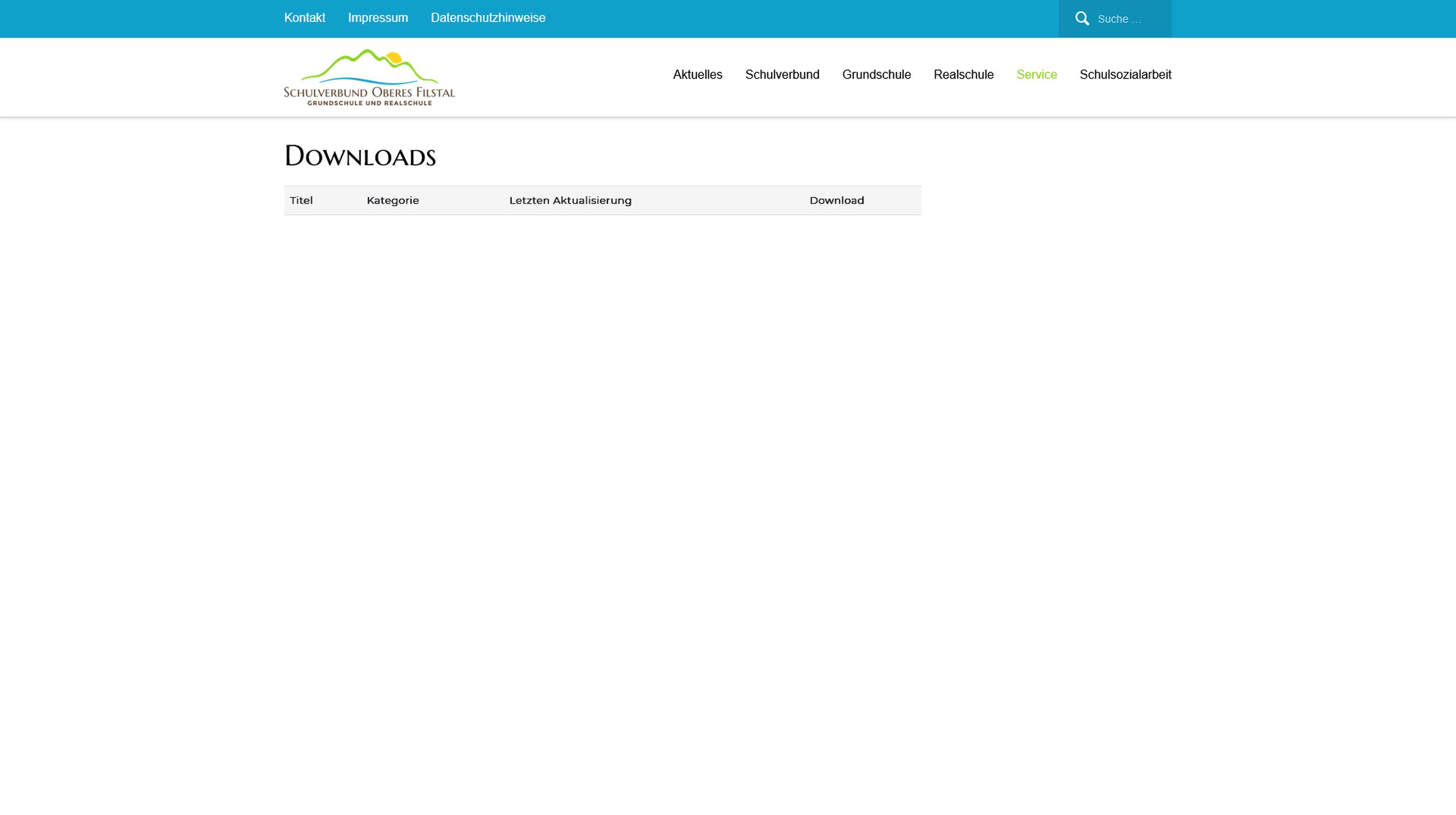
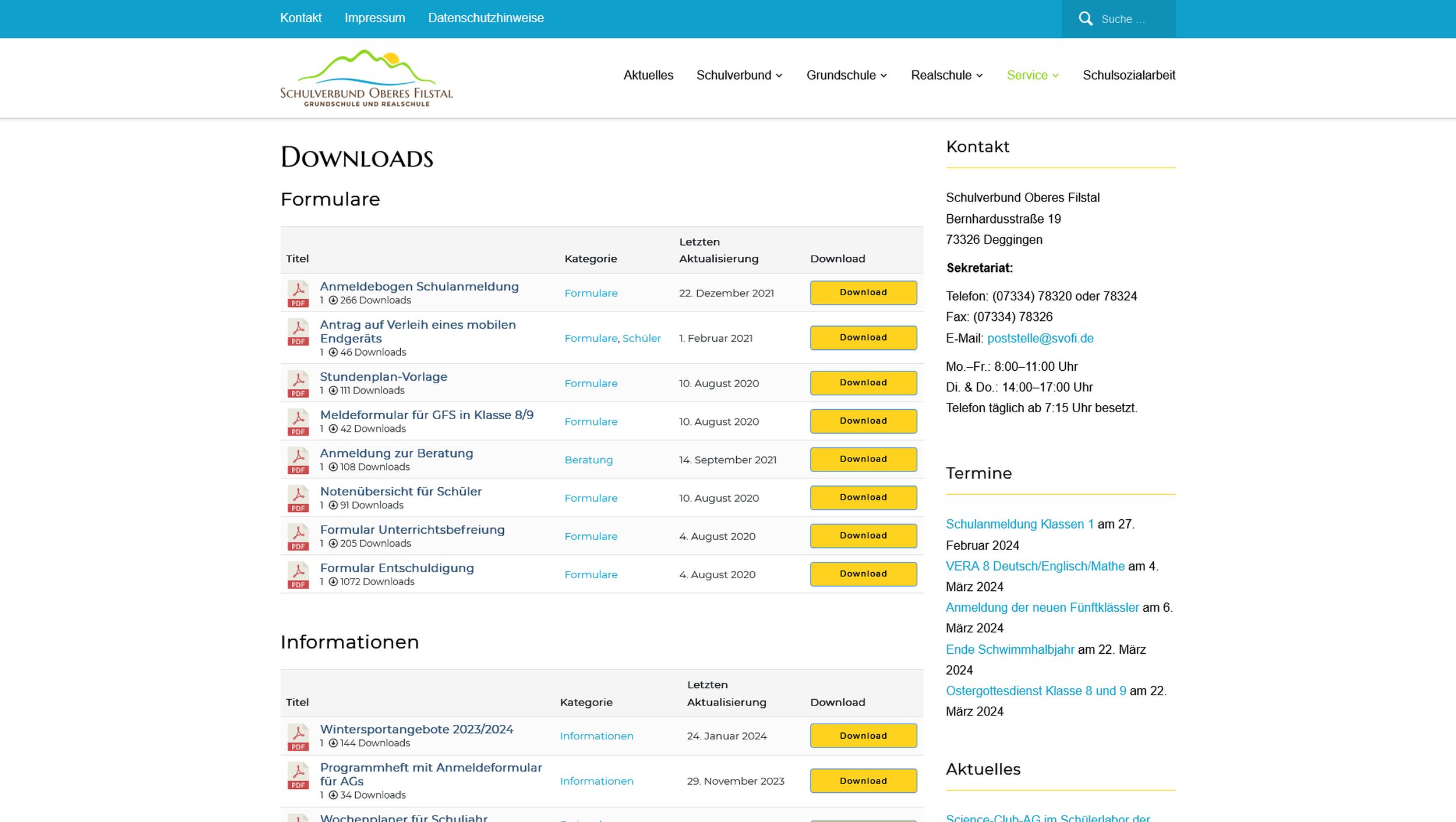
When opening the page, the loading process is often (not always) interrupted and the page appears incomplete. It is not that only the downloads are missing, but many areas of the page are not loading.
When I refresh the page (F5), everything usually appears normal again.
The problem occurs irregularly, I cannot recognize any pattern.
I have tested the problem with Firefox and Chrome. It also occurs on different PCs.
The site is: https://schulverbund-oberes-filstal.de/service/downloads/
Screenshots:
Can andybody help me?
Best regards
J.
Hello Diane Wright,
Hope you are well. And sorry for the inconveneince. If you are trying to authorization wait before downloading for shortcode wpdm_all_packages. You can restrict packages with the Allow Access option from the package settings, if you are trying user will not be able to download directly from the shortcode page, you can also adjust the shortcode appearance, for more details you can check here, https://www.wpdownloadmanager.com/doc/short-codes/wpdm_all_packages-list-all-downloads-in-tabular-format-in-a-page/ for cols parameter. And for premium packages, they should be added to cart before purchase. please check and let me know, if you have any queries.
Thank you and regards
Hi,
I just wanted to inform you about a minor (but annoying) issue I noticed with the Copy Shortcode feature (in Chrome browser on Windows).
Symptoms:
Today I noticed that the text strings in the Shortcode column of the Downloads – All Files table had become blank and the copy buttons next to them had stopped working. I realised that it was because I had installed the All in One SEO plugin which added extra columns to the table and reduced the space allocated to each column. It seems that Chrome stops rendering the text when the input field is too small, and this breaks the copy function (which has no text to select).
Steps to repeat:
This behaviour can be repeated by simply reducing the width of the Chrome browser window until the text in the Shortcode column disappears. Now the copy buttons will not copy anything.
Regards,
Tim
The WPDM File cart add-on demo is here, https://www.wpdownloadmanager.com/download/wpdm-file-cart/ and also check the attached image here,


Here, https://www.wpdownloadmanager.com/download/wp-pro-membership/ WP Pro Membership is a separate plugin, and [wpdm_user_dashboard] is a shortcode of the Download manager plugin, for more details, you check this here,
https://www.wpdownloadmanager.com/doc/short-codes/wpdm_user_dashboard-user-dashboard-short-code/
And for your requirements,
#2, Various view of layouts, you can check Downloads > Templates > Page/Link Templates Preview and also the Import Template section
#3, For stats overview you can check the Downloads > Stats section
#4, For membership you can check our membership add-on, https://www.wpdownloadmanager.com/download/wp-pro-membership/ and for email collection before download, you can use the email lock feature, https://www.wpdownloadmanager.com/doc/add-new-package/lock-options/
#5, For stats and history overview you can check the Downloads > Stats > Download History section
#6, For this, you can check the User Dashboard shortcode, https://try.wpdownloadmanager.com/user-dashboard/?udb_page=download-history
#7, For cloud storage you can check these add-ons, https://www.wpdownloadmanager.com/downloads/cloud-storage/
#9, For theme you can check our Attire theme, https://www.wpdownloadmanager.com/download/attire-allinone-wordpress-theme/
#11, For category-based, you can give password lock individual files and also check them for category/tag
#12, For now, for Download Limit, you can check this add-on, https://www.wpdownloadmanager.com/download/download-limit/, you can also take any customization services too
#13, Can you please elaborate more on your requirements?
#14, For that, you can check the File cart add-on, https://www.wpdownloadmanager.com/download/wpdm-file-cart/
#15, You can do this with this add-on too, ou can check the File cart add-on, https://www.wpdownloadmanager.com/download/wpdm-file-cart/
please check and let me know, if you have any queries.
Thank you and regards



