I’ve applied my license key before, but it seems to get invalidated.
On the WP plugin page I see:
There is a new version of Download Manager available. View version 4.7.1 details. Automatic update is unavailable for this plugin.
Please activate Download Manager license for automatic update. Validate license key
When I go to Downloads -> Updates, there is no mention of the 4.7.1 update, though I am logged in and do see that updates for Add-ins have been applied. (I also see no mention of 4.7.1 on your website.)
When I go to Downloads -> License, there is no license displayed. I logged in to your website, went to my downloads, clicked on the download link for “Download Manager Pro v4.7”, and click the button for my license key. As instructed, I copy the displayed key, and then past it into my wordpress install at Downloads -> License. I then see a message “Invalid License Key”.
How do I get a valid key, or get activate with my existing key?
OK. This is a good short term solution, but we would still like to use your Download Manager program to be able to upload and create a package of an iOS app and have user download it.
The problem we have is that you can’t download the iOS .ipa feel directly. Apple requires that we link to a .plist file that includes information on the file as well as the link to the file. The .plist file needs to be linked from the following URL structure:
href=”itms-services://?action=download-manifest&url=url of the manifest file”
We can’t use the URL feature to add a package, because it doesn’t recognize “itms-services” as a protocol.
Please create a demo package and enable the “Mail Download Link” option only not the “Download Instantly”. I need the setup this way to test the email issue.
Also, by admin pass, I meant temporary user, not your own login info. You can delete the user after we resolve the issue. That’s the faster way to resolve such cases.
If you want to use “LinkedIn Lock” you have to create a LinkedIn app. You will find the related link in Downloads Settings Social Settings LinkedIn App Settings panel.
thank you for your reply.
I know this and this is the reason why we decided to allow single file download.
But clicking the “download” link I do not land to the download page where I can select single files, I directly download the zip.
This is the problem: why with desktop do I land to the download page and with mobile not?
After someone purchases a PDF to download, is it possible to send them from PayPal back to the actual download page, rather than a static URL? I realize that they will get an email with the download link, but it would be better if I could redirect them to a download page rather than a generic thank you page. If I redirect them to the Purchases page, the page requires them to register or login to see their downloads. I do not require, or want, the user to have to register or login.
Now i would like to set up one with the same content as the http://www.asbs.eu/download/waiter-guide/ but with the lock LinkedIn post.
I am failing to do anything here.
It won’t show me any preview on any templates and so what am i doing wrong? the doc does not help at all.
Actually, the stock limit is working fine, the download count doesn’t increase, when you click on download button multiple times in the same session, like repeated click on same download link.
1) ‘view details’ link to release notes failed to display – ugly system error instead of popup window
2) ‘update now’ link failed with real ugly system error (sorry lost the error message).
the ‘update now’ process deleted the plugin from my site (as has all the other failures have done). – confirmed by ftp inspection and error message on admin UI which said plugin deactivated as source code was missing.
so to get my site working again I have downloaded the plugin kit from my account and gone though the manual ‘add new’ plugin, ‘upload plugin’ process.
so my site is working again fortunately.
Not a happy customer as every update in recent time (like more than a year) has failed
Lazy Download requires a separate page where it shows the counter. There is no option to show counter on the same page. It is possible to show it on the same page but you have to place [wpdm_lazy_download] shortcode in each package description in that case.
Also, I have to make some code changes in add-on. Send login info in private reply if you want that. Or if you can do that yourself,
Find header("location: " . get_permalink($wpdm_lazy_download['waiting_page'])); and change it to
header("location: " . get_permalink($package['ID'])); in /wpdm-lazy-download./wpdm-lazy-download.php file
I am confident at installing it myself, however, can you please provide the link (can be private) where I am able to download the current version that you have mentioned. When I go to my account here my downloads have expired.
Everything is working well until I try to actually download the file from the purchases page. When I click on the download link I am taken to a blank page, and the file does not download.
To recreate issue:
1) Go to http://www.lifescicompliance.com/test-wpdm/
2) Click on the link to the full text.
3) Purchase product for $1
4) Pay at paypal
5) Come to purchases page
6) click the green download button and you will get a blank page.
If you need me to provide you admin credentials for the WP backend let me know.
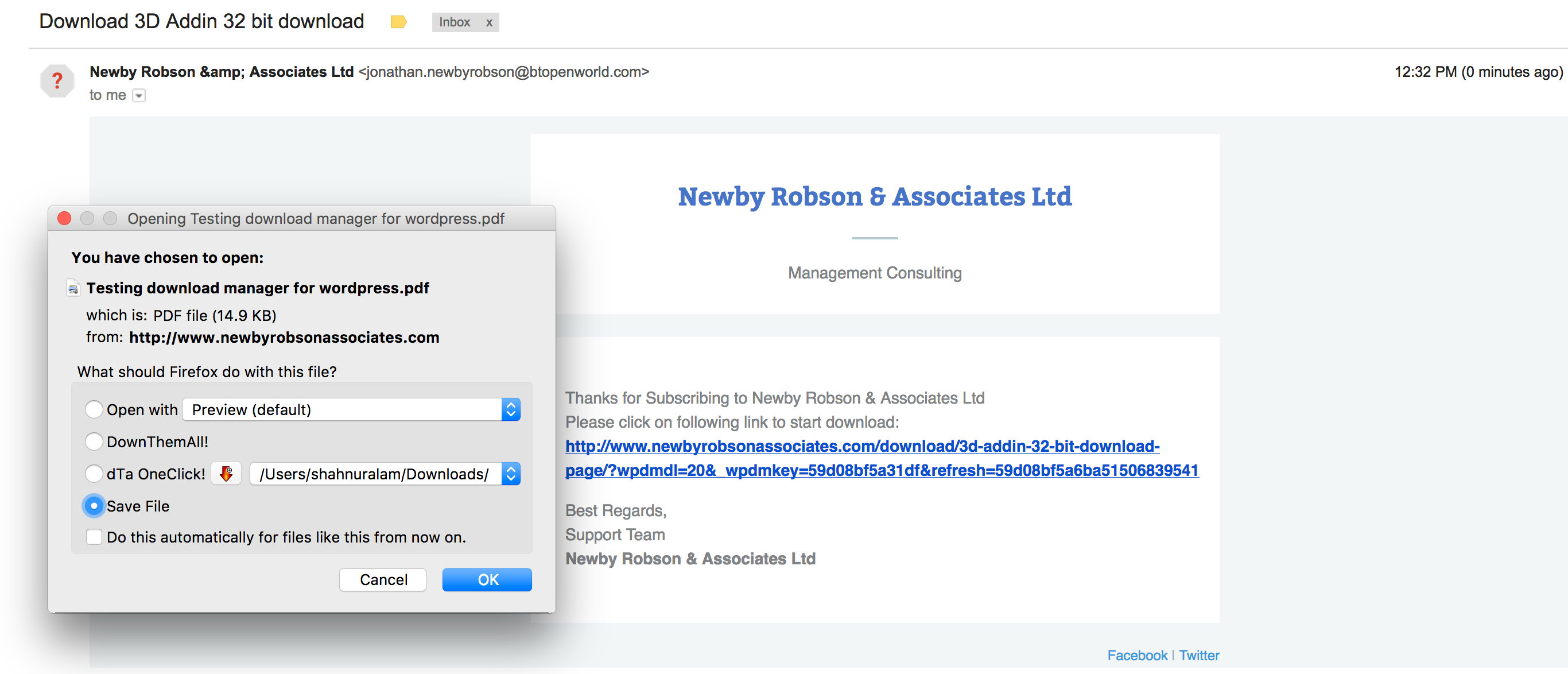
Yes, there is another issue. All download links are not working anymore. They don’t trigger the download process but (re)load the download details page. Please help me with this one, too.
Your theme has it’s own archive template which by default works as category archive.
You have to create the custom category template taxonomy-wpdmcategory.php if you want to build a custom archive for only downloads. This template does not come with the theme if it is not a Download Manager theme.