
Forum Replies Created

The download link was causing error due to the image button add-on, we have dropped the support for that add-on, we shall add the image button ooption with core soon.
Hi,
I’ve installed and activated the pdf stamper add-on on your site, it is working fine ( https://ieltstestonline.com/download/ielts-writing-ebook-general-training/ ). But, for now, you have to attach PDF file using the server file browser ( as server file path ) instead of the media library URL to stamp properly.
Hi,
Extremely sorry for your inconvenience. The issue was due to the windows directory separator, we have fixed the issue and updated the plugin on your site. However, if you write or change file browser root manually in wpdm settings, please use / instead of \ as the directory separator.
Awesome! With the latest version from stripe add-on, now no more need to create webhook manually, stripe add-on will create the webhook using stripe API ( https://stripe.com/docs/api/webhook_endpoints/create?lang=php ) and configure it as soon as you set up keys and save settings :).
You can do that with the current download button by enabling “Open in browser” option from wpdm settings.
However, linking it with the title will require code customization.
Anyhow, we shall add an option to preview pdf by clicking the file list item, with the next update of our pdf viewer add-on.
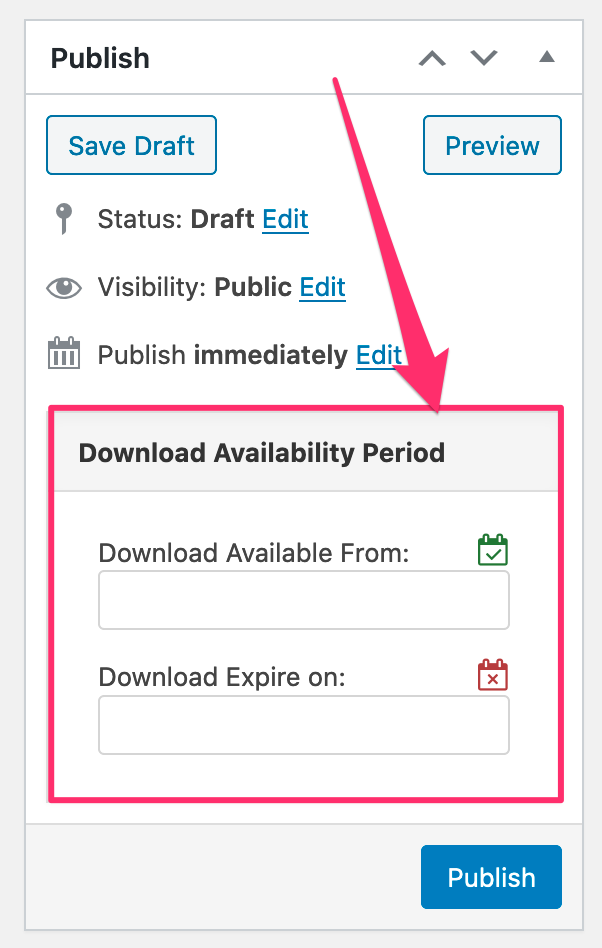
Hi,
When your file is opening from https://www.photopea.com/, it is a different session, not in the same session of your site where the user is logged in, so, it will not be able to track logged in user on your site, instead, it will track the IP the file is opening from. However, if you want to track the user even when the file is opening from another site, it will require some customization ( https://www.wpdownloadmanager.com/download/custom-upgrade-service/ ).
Hi,
WPDM doesn’t have a way to link the checkbox by default, but you can enable double opt-in, however, if you want to link it with the consent checkbox, it will require some code customization. ( https://www.wpdownloadmanager.com/download/custom-upgrade-service/ )
We shall add custom file type icon support for new file types with the next update.
That is not an issue with the WPDM pro, probably with your theme or any custom function related to your theme, by default when the archive page is enabled in wpdm settings, it will show in the breadcrumb. Ex: https://themes.wpdownloadmanager.com/attire/download/email-download-link/
Okay now, it was a css conflict, I’ved adjusted it by adding the following codes:
CSS:
.w3eden .pm-content .tab-content {
  display: block !important;
}
.w3eden .tab-content .tab-pane.fade {
  opacity: 1 !important;
}
JS:
https://gist.github.com/codename065/73f2e9008e3164d51c20ee552d2fe124