-
Search Results
-
Topic: Where to translate links?
Hello!
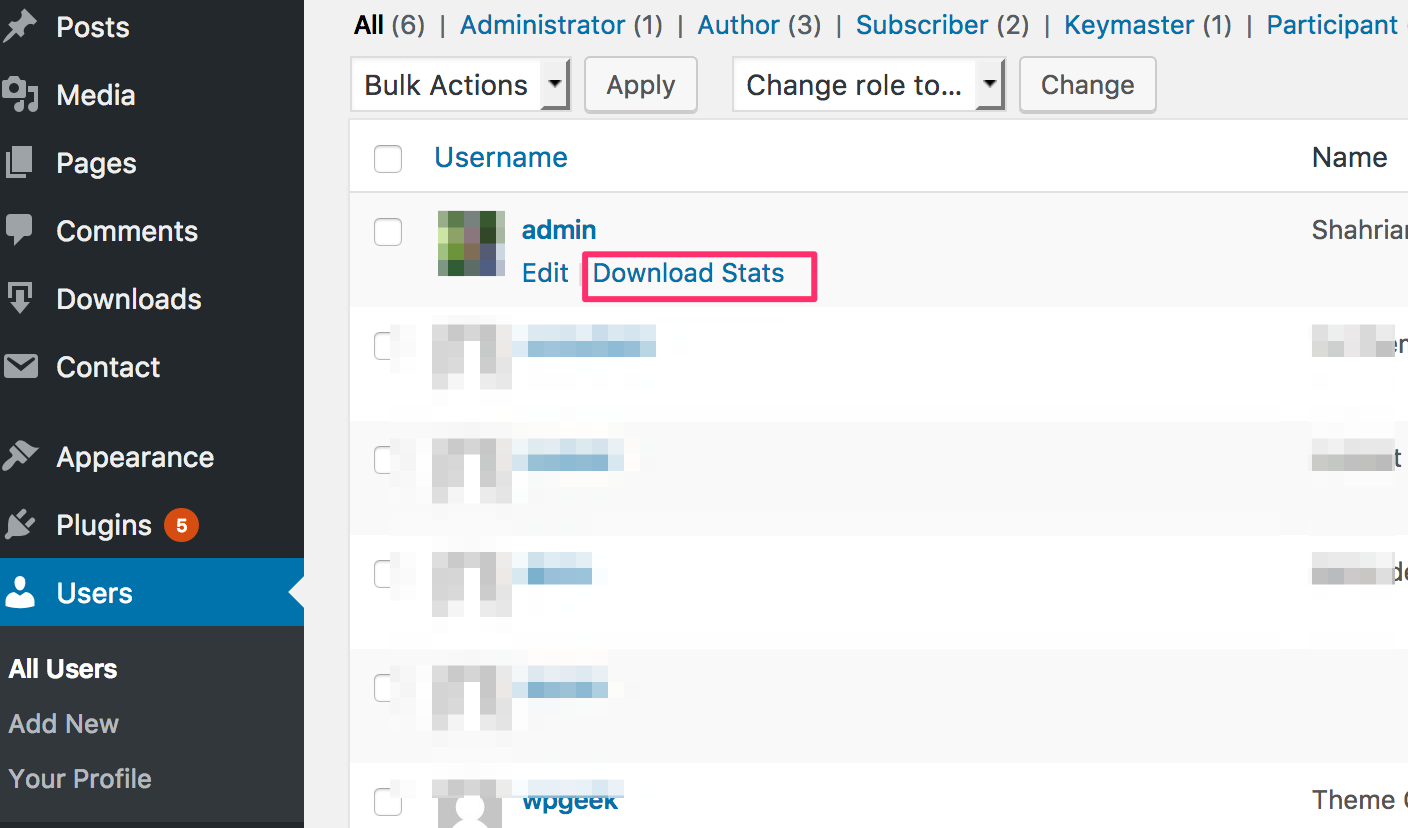
Could you tell me please where translate links download”?
I didn’t found it
The screenshot is following: http://prnt.sc/e9en30Topic: File Name | Remove link
I want individuals to use ‘download’ only for files and remove hyperlink for the file name. Any help?
Example:
icon File Name
DownloadRemove the option to click on file name to download the file.
Thanks
Hi,
i had a local site (only from intranet) for my company with files to download. Everything works fine on xampp (apache, php5.6) but my site was very slow, so i install ubuntu 16.04 server + nginx + php7.0 and migrate my site. Now it is very fast but download manager pro stops working. Everything files when i try to download not work. I click on download button but its not work. I can’t download any file. I try to add new file but nothing change. Links are ok but nginx (alternative to apache) not work with .htaccess. Mayby here is problem?? Do you know how to fix it??
I am using version 4.6.1regards
MarcinTopic: Problems reported
https://portalkairos.org/prints/2017-01.jpg
I look forward to improvements in the Music Download Area.
Problems reported:
1 – A strange link (at the arrow) appears and downloads an empty file.2 – For people logged in to wordpress:
The timer have a problem. He does not go with the songs and an error appears after. (numbers)3 – On mobile devices:
You have to click twice to listen to the songs. In the green link and then in the main player.Thank you.
portalkairos.org
Hi,
The option Download Limit underneath the Package settings isn’t working. I have set it to “1” so that after a single download the link will no longer work. For some reason, it’s not counting the downloads and therefore not locking the link.
Any help would be greatly appreciated!
Hi,
What do I do to get a download link into the notification email?
I tested by turning on password lock, and was able to download immediately, so the package link is set up properly.
In my Email Lock Notification, I’ve tried ALL of the available variables to get a download link sent to the end user. I put a label next to each shortcode in the template to see the result. The variables: date, Support email, the home URL, site name and tagline, package name, even the login page URL all work…
But these just print the shortcodes. This is a copy of what I receive in the email:
Members first name: [#name#]
User name: [#username#]
Members password: [#password#]
Package author profile: [#author#]
package url: [#package_url#]
Package edit url: [#edit_url#]
Hi.
I tried to use the [popup_link] function, but the result it´s shown the shortcode [popup_link] instead of a link …
what can I do? I want the name of the download as a [popup_link].
[page_link] is working correctly
Hi there,
I found this thread on the ‘wpdm free’ forums where Shaon explicitly states, the goal of WPDM is to force the download rather than viewing the file in a new tab.
That was two years ago. Is that still true or is there a way to view, say a PDF, in a new browser tab when the link is clicked?
Reasoning: I want to use WPDM to sort, manage and categorize PDFs/ Flyers/ Posters etc without cluttering the default wordpress media library in wp-uploads. That doesn’t mean that, from time to time, some files are preferably being viewed in a new tab rather than being downloaded.
Thanks!
Hi there,
I’m currently setting everything up, creating DL packages and DL categories. Inserting DLs into a post works fine, however I can only download them as long as they are not assigned to any category. As soon as I do that – doesn’t matter if it’s a parent or child category – the download will no longer work.
Being able to organize all downloadable files into categories is one of the key features that made me buy your plugin. I’ve tried using [download_url] and [download_link], switched between custom and pre-designed templates, but the only thing that will help is removing that package from any category.
Please advise.
Topic: Open file in page/post
Hi
Is it possible that when I click on the download link that the pdf file opens in the page/post itself. I use download manager Pro.
Kind regards,
Martien
When a user requests a download with email verification the user receives an email with a download link but the user receives a file “link-expired.txt”
This same file when an administrator user requests the download from the same package sends an email with link that results in a download.
Topic: Download link not working
Hello
Just bought download manager pro.
Created a package and created a shortcode at the following page : http://www.core-ict.be/emm
enabled instant downlad with email lock.Download link does trigger download.
Clicking on the title “Interested in our full solution brief ?” loads download page but does not provide email field and again clicking download link does not trigger the actual download.Seems i am missing something but clueless as to what exactly…
Any help out there ?