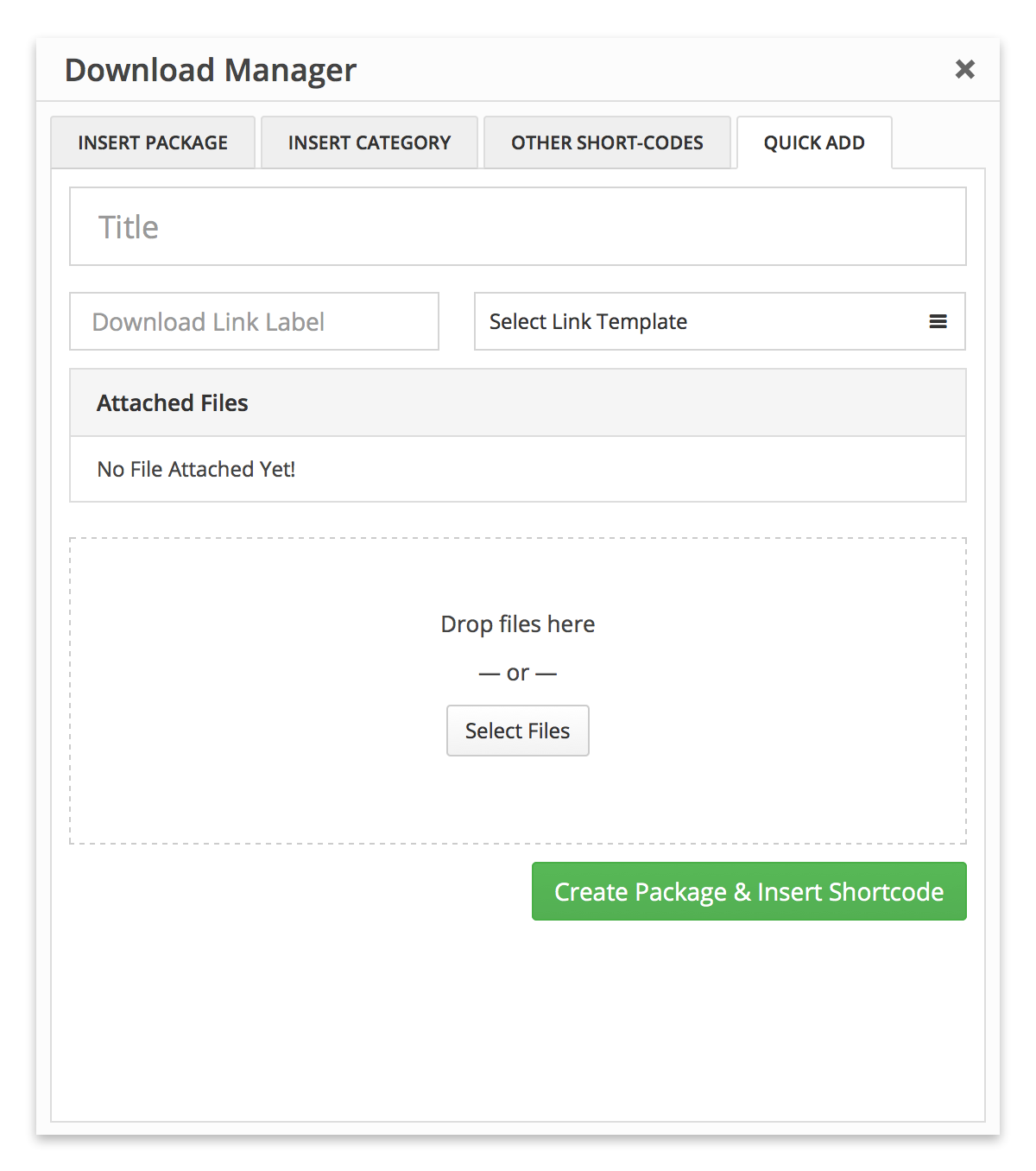
Please create a link template only using template tag [download_link], and now where you want to place buy now button, use shortcode [wpdm_package id="product-id" template="the-new-template-id"].
Hi i just updated WPDM Pro and the whole plugin stopped working… (Clicked on the link in admin – plugins)
In License key page it just was a “0”. All download links gone, and so on.
Could it be related to that our license probably is expiring this week? But as usual I do not see how to pay for another year?? I have not recieved any billing email and I can´t find any payment info/page on this site…? Should I buy a new license like I never been a client before?? Or is there any discount if we continue for another year like many other plugins have?
I am happy to have done a backup before update, so I could go back easy. Now I will wait for some days before I try to update again…
So it appears that I must turn off single file download option in the global settings to get the agree to terms working on the category and file specific pages.
Now, the problem still persists that users can download the file directly from the table that shows all of the documents without agreeing to the terms. The download link is simply present in the table.
What next?
Please help.
p.s. I hope this thread is helping others who are waiting for support on this.
So after updating to the new PRO package, the PHP warning has gone away. Nice.
But, I am still having trouble with the “agree to terms” locking option. I have two files that are setup perfectly. The locking option is present on the front end, but, the download link still appears even before the user checks the box to agree to the terms.
Currently, it only lists the full package. The client wants to upload 4-5 files to the package and then on that page list the package and below it the contents of the package (all the files).
Main Package
File 1 – Download (linked or download link provided)
My developer said the add-on you mentioned won’t do this, he said:
The directory add on that is being referred to by the forum works on the package detail page. When the file count is more than 30, then the directory plug in enables the search functionality on package detail page automatically.
If i add in pack description, it is showing above download link ( files list ) , but i want to show it bottom of the package page , i mean after download link ( files list ).
I have a question. What I want is that when a visitor clicks on a download link the visitory only sees the content of the file. I don’t want that the visitor has the possibility to download or print the file.
You can change Publish Date from /plugins/wpdm-archive-page/wpdm-archive-page.php. To change Download to View, you will have to change link label in package settings or change it from link template.
Hi. I am running the latest version of WordPress, 4.7.3 and use the “Download Manager” plugin to support pdf downloads from my website (I am using version 4.6.3). Today I have downloaded and activated the WordPress pluglin, “MonsterInsights” (version 6.1.7) to help integrate with my Google Analytics account. One feature of MonsterInsights is that it tracks outbound links and download links.
My Google Analytics is correctly detecting when a user exists my website via an outbound link. It is not however detecting when a user clicks on one of my download pdf files from my website (no event is generated).
I wondered if you’d experienced any issues with the interaction between “Download Manager” and “MonsterInsights” that might explain why downloads are not being detected by MonsterInsights?
thanks,
David
I would very much like to change the wording of the download link label from ‘Download’ to ‘View’ because in some instances there is no actual attachment to download, just a link to an externally hosted document.
Also, I would like to change the wording on the archive page filters and if possible change the magnifying glass icon to a FontAwesome icon.
There is no option to bypass cart for premium files. Plan subscribers can download all plan packages from membership download area. Use [wppm_downloadarea] shortcode to create a membership download area.
When users input their email address to download, the automatic download is no longer working although they do receive the email confirmation with the download link there.
I regret I can’t provide admin login details. But, I hope that it’s apparent from the front end of things what is happening. I can also provide any setting or other details needed.
Hi, thanks for your response
When the link is one of the packages downloaded in the comments or post one I let information package is shown, as well as link to the home page and next to the site logo WordPress displayed I want the logo on my show
Thanks
Author
Search Results
Viewing 25 results - 6,251 through 6,275 (of 9,451 total)