

WPDM – ConvertKit
Version 1.1.0 Download 21 File Size 2.26 KB File Count 1 Create…

Attire - the best dress for your WordPress. It is built with Speed, SEO, and Responsiveness in mind. Packed with 15+ ready-to-use landing pages. Specially optimized for WordPress Download Manager, WooCommerce Ready.
Digital Store Template #1:
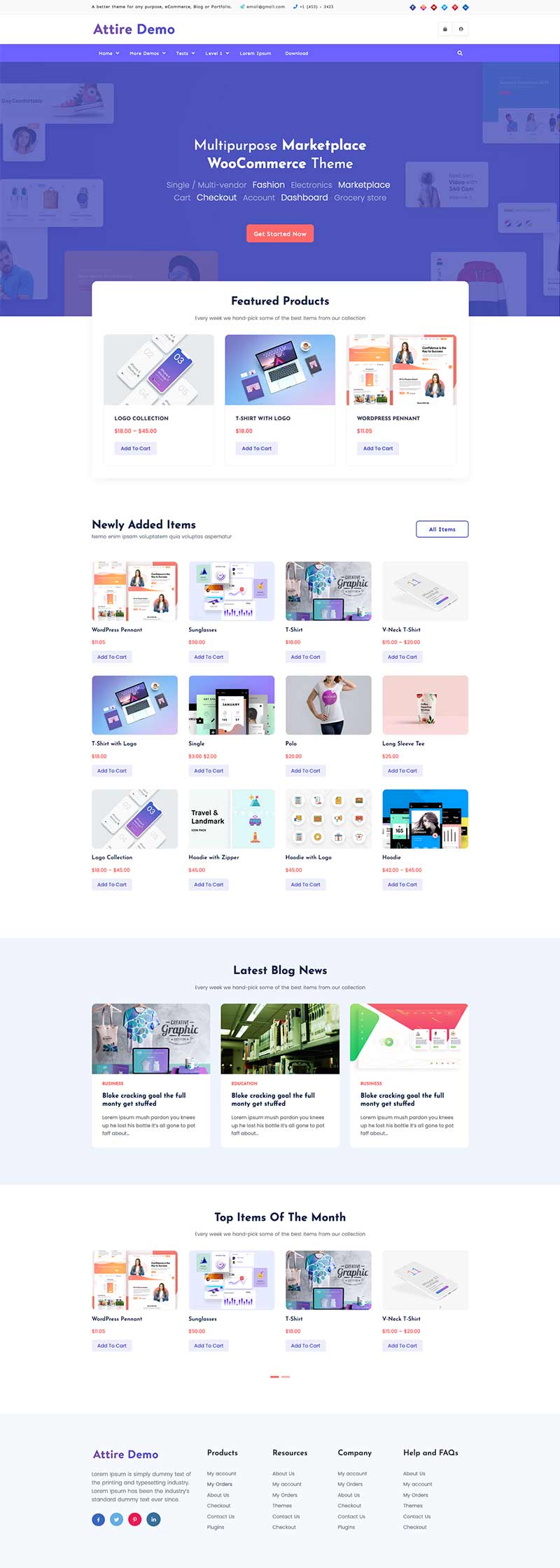
Digital Store Template #2:

Built Stock Image Selling site in a few clicks:
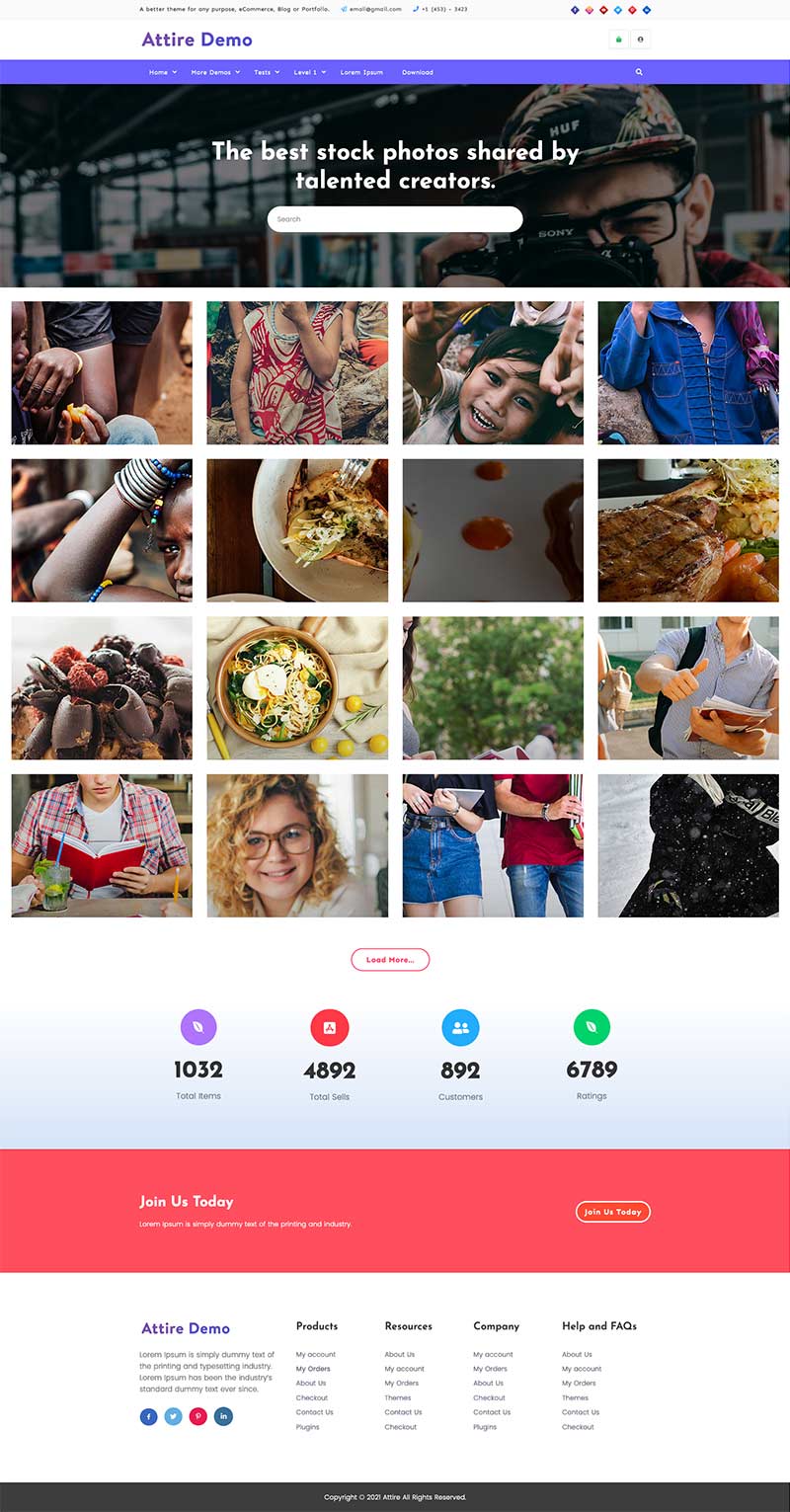
And 15+ other variations with Attire Pro
First impressions are vital on the web. Your customers, readers, and website visitors make an instant judgment about you and your business. If your website loads fast, you’ve instantly made a strong first impression. Around 50% of visitors to your website won’t wait any longer for it to load in 3 seconds. Considering all those factors we made Attire as fast as possible.
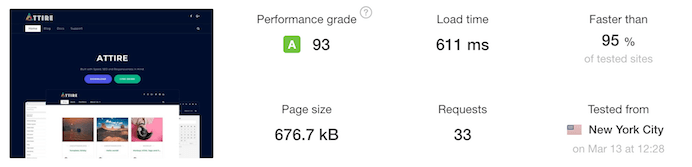
We designed Attire in such a way so that it will provide seamless performance for any type of WordPress website. We made sure that to make it look good.
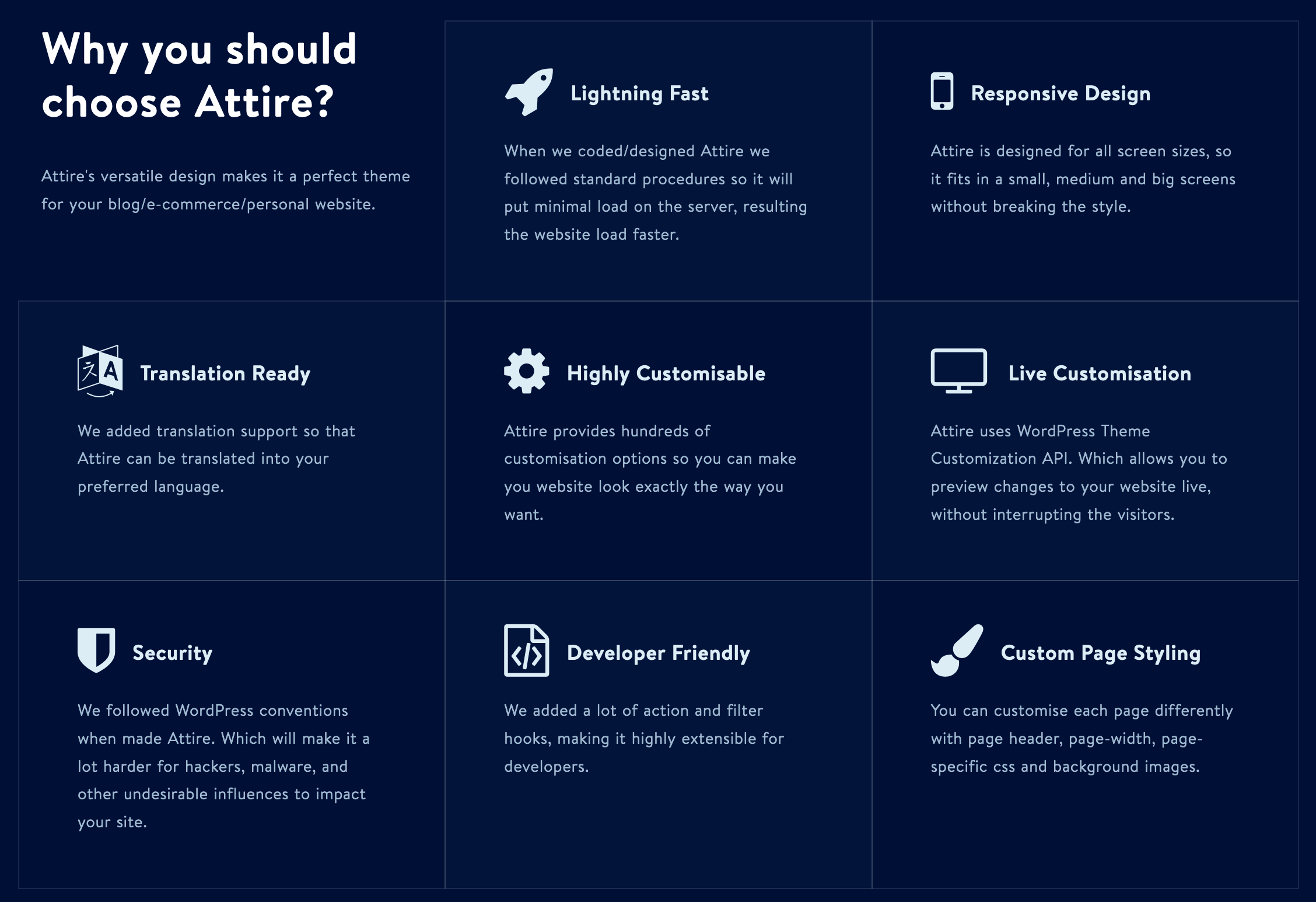
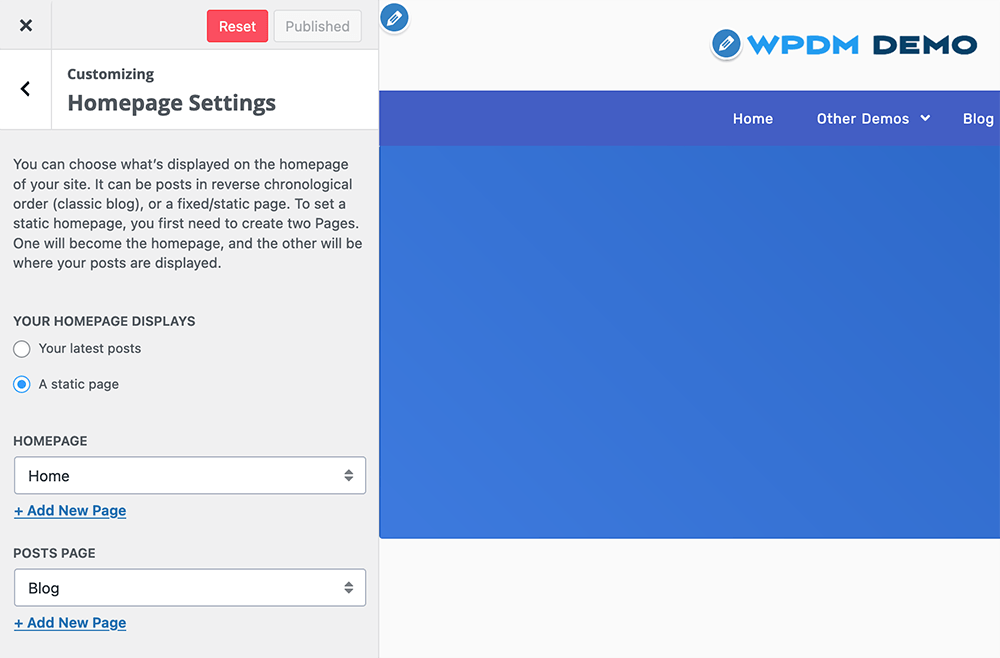
With more than a hundred customization options you can style your website to look like what you have in mind. We used the WordPress customizer API for these options, so you can preview the changes you make prior to applying them to your online website. We organized every option under a relevant group name so it will be easier to find an option. If it lacks something that you want please let us know, we will try our best to give it a go.
Need sample data to headstart?
Version 1.1.0 Download 21 File Size 2.26 KB File Count 1 Create…

Watermark PDF downloads in WordPress with each customer's name, email, and order…

Download Version 1.2.3 Download 8544 File Size 5.00 KB File Count 1…

$39.00 Add To Cart Version 1.3.0 Download 37 File Size 266.78 KB…
22 Comments
Hi,
when i downloaded Attire theme and created a new File using Downloads manager, the product is not looking like the demo i saw. can you please help
Please post in forum for tech support.
https://www.wpdownloadmanager.com/support/
The coupon code listed above to claim 50% off a purchase of WP Attire Pro doesn’t appear to work.
Please try now.
I want to have a page like the attire marketplace…but the demo does not work.
How can it be done?
Please post in the forum https://www.wpdownloadmanager.com/support/forum/download-manager-pro/, support team will help you with the setup :).
Related download not work with attire, how i can add this fonction ?
May you please give me your URL to check and tell me how you are trying that.
The dasboard/login button disappears on mobile with the header style ‘extended navigation header’.
Please give me your URL to check.
Am trying to install demo content and getting an error….”Sorry, there has been an error.
This does not appear to be a WXR file, missing/invalid WXR version number” – any ideas?
Sorry – disregard my question. I’m embarrassed to admit (but writing her ein case it helps others) that I just needed to extract the xml file from the zip, and import that xml. Problem sorted.
Thanks.
Hello Wpdownloadmanager’s Support Teams
I have just install your Attire theme. I want to test it before buy your WordPress Download Manager Special Pack.
But after import demo sample data file. My website like this http://bieumau.gxd.vn. It is not them same your demo in this URL https://themes.wpdownloadmanager.com/attire
I think may be your Sample data miss some information?
Can you show me why? Or can you help me to install your Attire demo theme.
Hope to see you soon.
Thank you very much.
Sorry for the delays reply, may you please post in forum https://www.wpdownloadmanager.com/support/forum/download-manager-pro/, our support team will help you with the setup.
Hi, i cant install demo content, what should i do?
Please help
Please contact support@wpdownloadmanager.com, they will set it up in your site for free.
Hello, in fact this theme is very good but I after importing the demo date the initial page is not the same as the demo.
1-Example:https://prnt.sc/p8lh6n
2-Example:https://prnt.sc/p8lhmn
Does anyone have documents like doing the demo?
Hi,
There may require to create some custom link templates, we are making a demo importer for automate the process, which will be released soon. However, you may mail to support@wpdownloadmanager.com, support team will handle the setup for you to make it exactly like the demo.
Do you already have the demo importer for automate the process? because I’ve tried in many ways and nothing comes out the same as the demo-
We are releasing demo/layout importer within the next 1 – 2 weeks with additional 5 layouts. Until then please contact support@wpdownloadmanager.com, they will set it up in your site for free.
where can i get the demo data for the Attire
Sample data:
https://www.wpdownloadmanager.com/wp-content/uploads/2019/09/attirethemedemo.WordPress.2019-09-14.xml_.zip