
Forum Replies Created

You are using an old version of archive page add-on, please update your copy to fix the issue.
- If you want to customize it, you need to edit template files, instructions are here https://www.wpdownloadmanager.com/download/wpdm-directory-add-on/ ( Editing Template Files: )
- Yes, you can have any depth of sub-levels as much as you need, no need to customization.
Yes, you can, if you update file ( overwrite the file using updated version ) in any single package or even update the file using FTP, it will update all packages automatically where the file is attached.
Please give me your URL and temporary wp-admin login info in a private reply to check your situation.
If you want to use child theme and wpdm page template, simply delete single-wpddmpro.php from the wpdm-2015 dir.
You need to enable single file download for that, but a user must click each download link separately.
Ex:
https://demo.wpdownloadmanager.com/wpdmpro/download/multi-file-package/
Still same:
https://www.evernote.com/l/AV15QMin7SdNjoqPXq9Osu9mhq9x4kNBALoB/image.png

- Yes, if you want only download button, create a link template ( Admin Menu Downloads Templates , Doc: http://www.wpdownloadmanager.com/doc/templates/ ) using only
[download_link]tag, and use the template with package shortocode ( [wpdm_package id=ID template='template-id'], Doc: https://www.wpdownloadmanager.com/doc/short-codes/ ) - Yes, you can show hide any info you want, you need to create page template for that, Doc: http://www.wpdownloadmanager.com/doc/templates/, however, still some info will depend on your theme, Doc: https://www.wpdownloadmanager.com/docsfor/for-theme-developers/
Please download the latest version from premium download area ( https://www.wpdownloadmanager.com/user-dashboard/purchases/ ), deactivate and delete old version ( The process will not harm any of your data ), install and activate the latest version. In this update we implemented WordPress’s native plugin update routine, so, from next update, you will be able to update the plugin in 1 click from wp admin plugins page.
And we have scheduled to update archive page add-on within this weekend.
Styles should be ok now, I enabled bootstrap css, now I’ve disabled it again.
Please give me temporary wp-admin login info in a private reply to check your issue.
That page is mostly will depend on your active theme, wpdm uses the_except and the_content to push wpdm template there. Please give me a package URL where you seeing the issue and temporary wp-admin login info in a private reply.
Please give me a package URL where you seeing the issue and temporary wp-admin login info in a private reply.
It is working fine for me and I also asked my friend from a different location, it worked fine for him too:
https://www.evernote.com/l/AV0HV3osURBCLoBnkm4LE2m4225dKDUoyywB/image.png
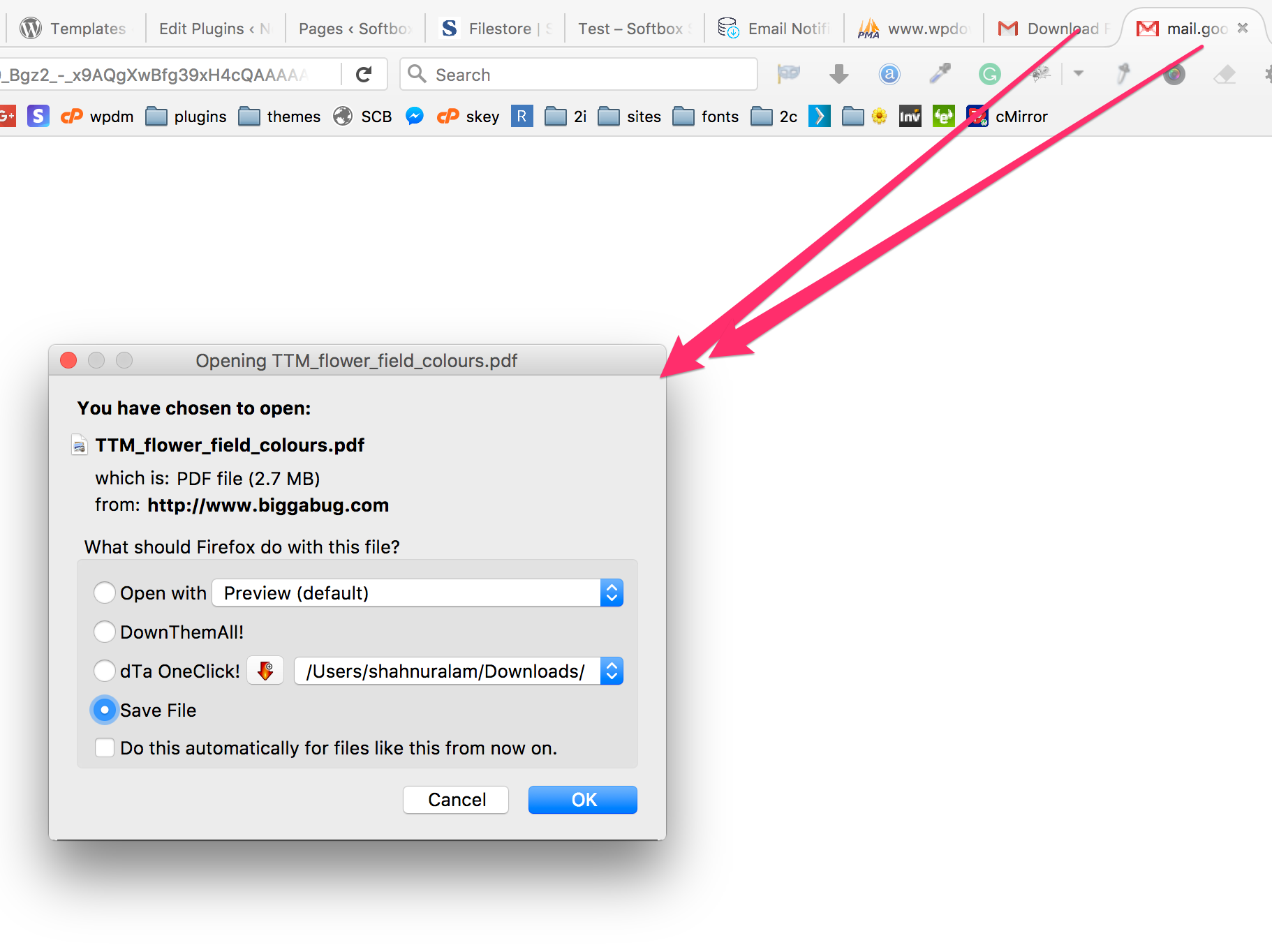
https://www.evernote.com/l/AV1i1OYlrA9JVawK053qh46irXYFH3IDtRAB/image.png
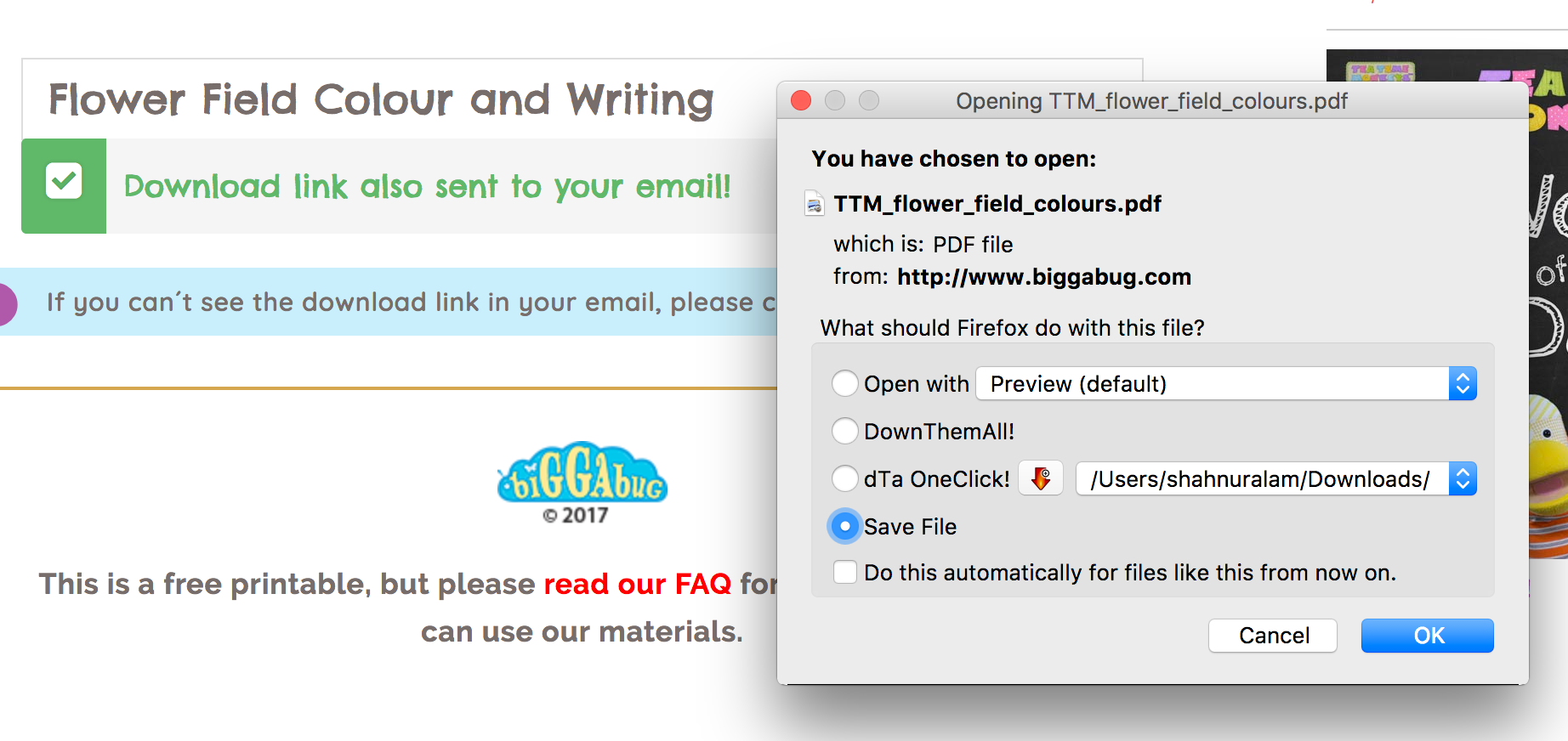
However, I also increase link expiration value for you, so users will not see the issue now even randomly.
Please give me temporary wp-admin login info in a private reply to check your issue.
Please give me temporary wp-admin login info in a private reply to check your issue.
Okay now. I’ve updated both plugin and add-on, and everything is working fine now. BTW, from next update of wpdm pro, you can use auto upgrade feature like other plugins, as we integrated native WordPress plugin update routine since current version.
Actually, you will get downloader’s name and email if they are logged in, and in case of email lock option, you will get downloader’s name and email when they submit the form.
After copying wpdm-all-downloads.php to your theme dir.
To remove the link from title, replace <a class="package-title" href='<?php echo the_permalink(); ?>'><?php the_title(); ?></a> with <?php the_title(); ?>.
And you need to add more columns for show additional values, as they are not part of core wpdm, no wpdm special functions are required there, if you are using our advanced custom fields addon to add custom data, you can use associated php function or template tag to show the relevant data or if you are using WordPress custom field, you need to use get_post_meta function to retrieve and the print the data. WPDM also has a function to retrieve specific package data, that is get_package_data. Doc: https://www.wpdownloadmanager.com/doc/function-reference/get_package_data/ , seems like, this is what you exactly need. However, please let me know if anything is not clear.
Login is not working.
Probably the file was deleted somehow from uploads/download-manager-files dir. I tested another one now ( http://www.actuarialsociety.org.za/download/2017-assa-nssf-scenarios-pdf/ ), Import and download are working fine. However, if you upload the deleted or missing file to uploads/download-manager-files using ftp, download will work fine again. And, download manager doesn’t delete any file.
In that case, use !important with .theme-button properties or prefix .theme-button class with .w3eden editing your css file.
Search drop-downs are working fine now, had to disable bootstrap js from wpdm settings.
If the lazy download is not enough for your need, there will require customization and too lengthy to explain in the forum.
<a href="[download_url]" target="_blank">[icon][title]</a> is correct, you can’t get full file path, revealing full path is not good for security, when you are using wpdm, download process is handled by wpdm. However, if you want a simple redirection, you may attach a file as URL. But still, you will not see full file path at frontend. However, may you please let me know why actually you need to show full file path at frontend?
From wp-admin plugins page, deactivate and delete old version ( The process will not harm any of your data ), install and activate the latest version. From next update, you will be able to update the plugin in 1 click from wp admin plugins page, as we implemented wordpress native plugin update routine in this update.