

Braintree Payments
Version 1.1.0 Download 6 File Size 175.87 KB File Count 1 Create…

WP-Filebase Data Importer for WordPress Download Manager. You asked for this and here it is now :)
Please follow the steps to import data:
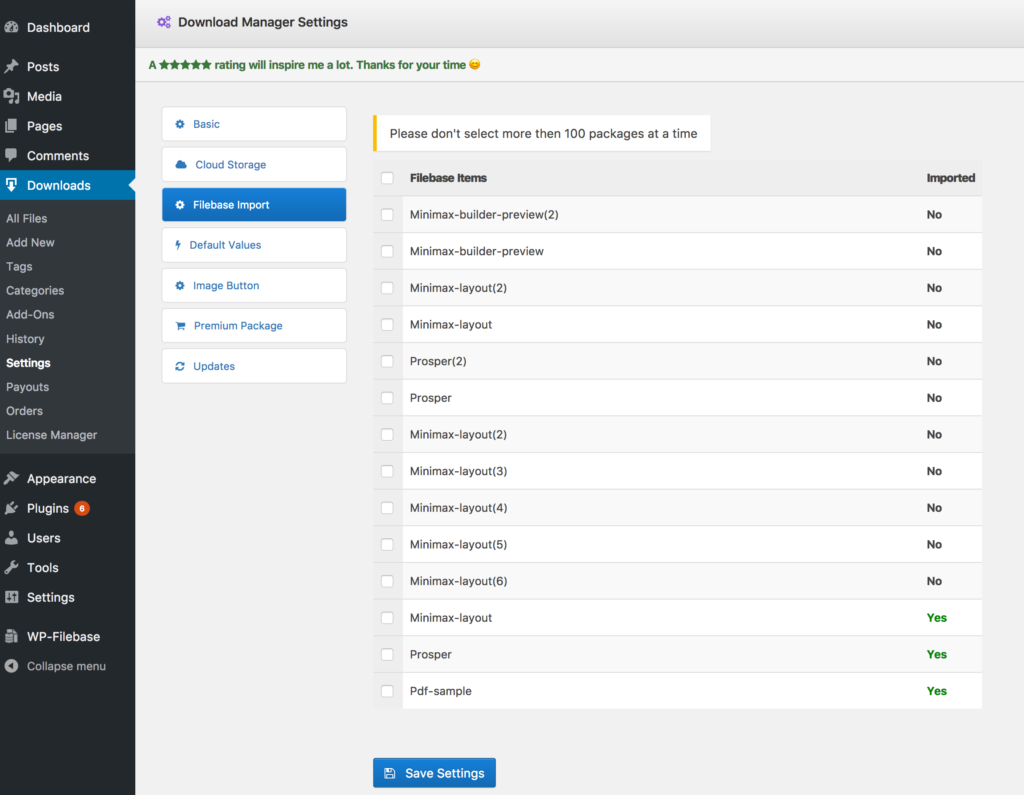
Version 1.1.0 Download 6 File Size 175.87 KB File Count 1 Create…

Get Attire Pro Version 1.0.0 Download 1970 File Size 17.11 MB File…

$39.00 Add To Cart Version 1.2.0 Download File Size 0.00 KB File…

$49.00 — $99.00 Select License Pro For single installation $49.00 Developer Up-to…
8 Comments
I have the same problem, the filebase import section does not detect any file. Is this module still supported? It is a very useful function in general, in my case necessary. Can anyone answer? Thank you
Please post in forum:
https://www.wpdownloadmanager.com/support/forum/download-manager-pro/
Filebase doesn’t find any file, which path do it check?
It does not show any files for myself 🙁
Install & activate this addon…
How I can install it?
Download it from here:
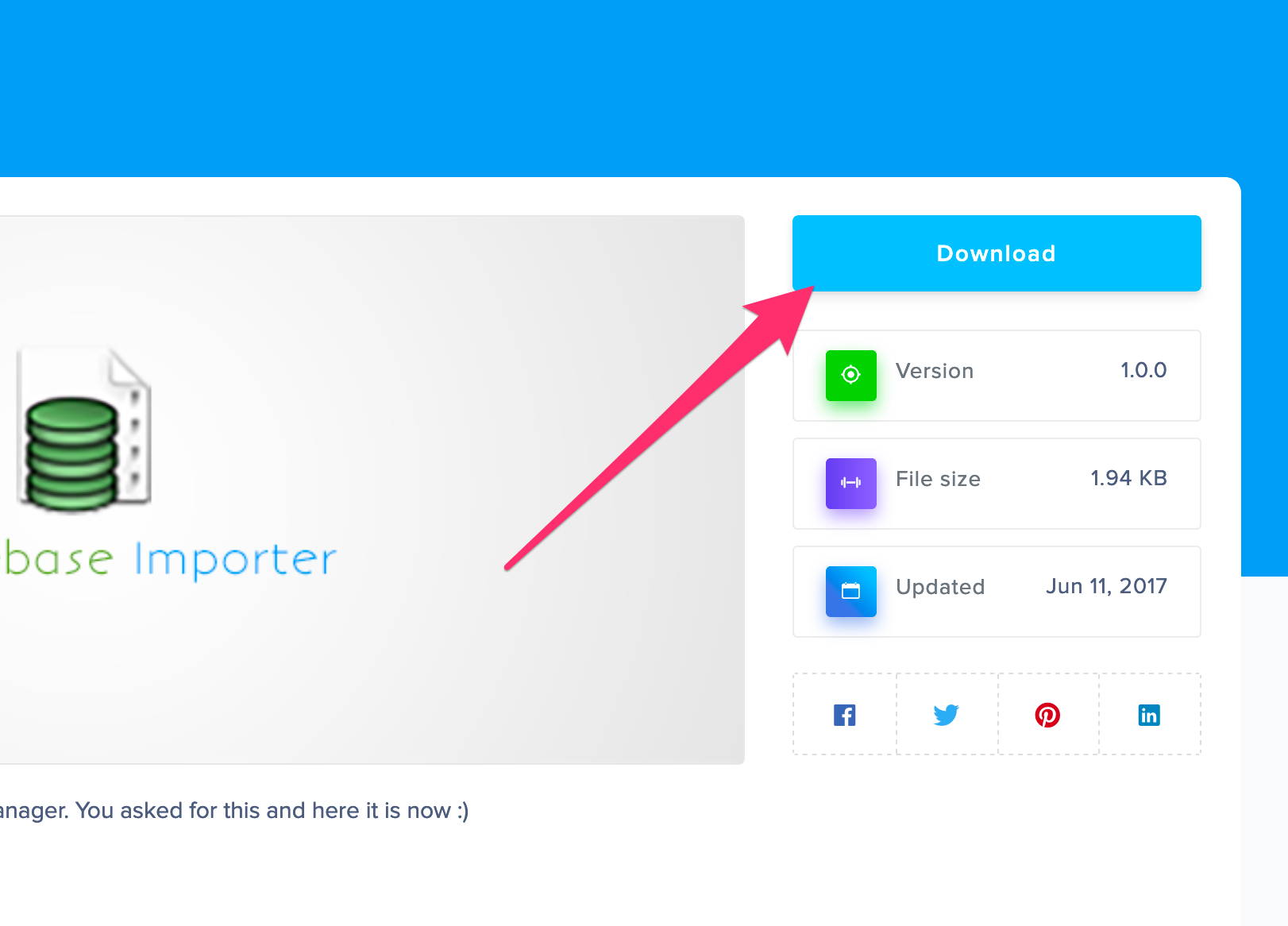
Then go to your site admin menu ► plugins ► add new ► upload the zip `wpdm-import-filebase.zip`
Is Filebase another external db app or can you import download packages from one site to another?
Filebase was a WordPress plugin, but they discontinued their support and many of the filebase users requested for this addon to migrate to wpdm.