

WPDM Authorize.net Add-on
$59.00 — $99.00 Select License Pro For single installation $59.00 Developer Up-to…

Sendinblue integration for WordPress Download Manager.
Sendinblue is the smartest and most intuitive platform for growing businesses. Thrive digitally as we guide your business with the right marketing & sales tools.
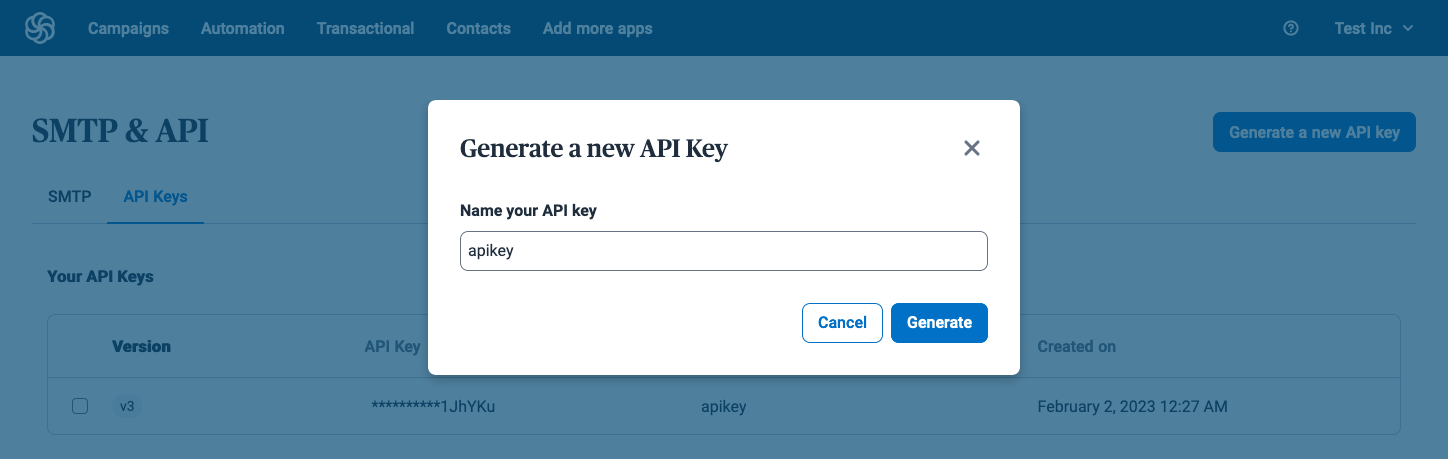
Please follow the steps:
$59.00 — $99.00 Select License Pro For single installation $59.00 Developer Up-to…

$49.00 — $99.00 Select License Pro For single installation $49.00 Developer Up-to…

$39.00 — $99.00 Select License Pro For single installation $39.00 Developer Up-to…

Download Version 2.0.0 Download 22654 File Size 16.18 KB File Count 1…
2 Comments
Bonjour, j’ai le Full Acces Pack mais je ne trouve pas cette extension dans la liste fichier. Pouvez vous m’aider ?
Thanks for pointing that out, `wpdm-sendinblue.zip` is added with full access pack now.