

WPDM – HubSpot CRM Integration
Automatically push email lock leads from WordPress Download Manager to HubSpot CRM.…

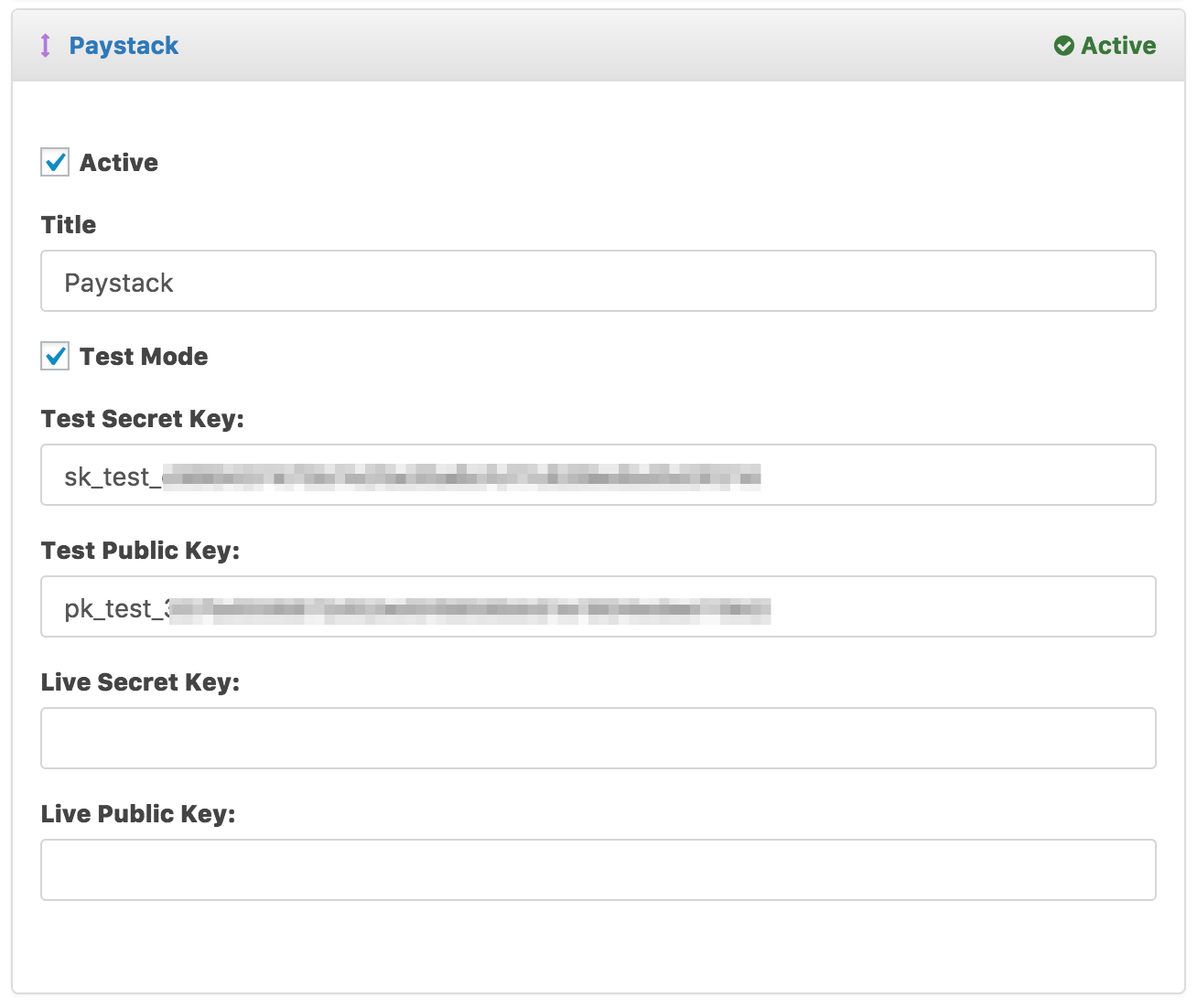
Paystack Payment add-on for Download Manager allows you to accept payments using MasterCard and Visa Cards. Paystack add-on makes it possible to start and end the payment flow on the cart page, thereby making it the easiest way to start accepting payments.
Automatically push email lock leads from WordPress Download Manager to HubSpot CRM.…

$49.00 — $99.00 Select License Pro For single installation $49.00 Developer Up-to…

Includes all features as premium version. 5 site license Please purchase from…

Price: $[price] $499.00 Select License Pro For single installation $499.00 Add To…
2 Comments
Hello,
I am back after two years to ask the same question. Is it now working with membership?
Hi,
Does paystack now work with membership?