
Forum Replies Created

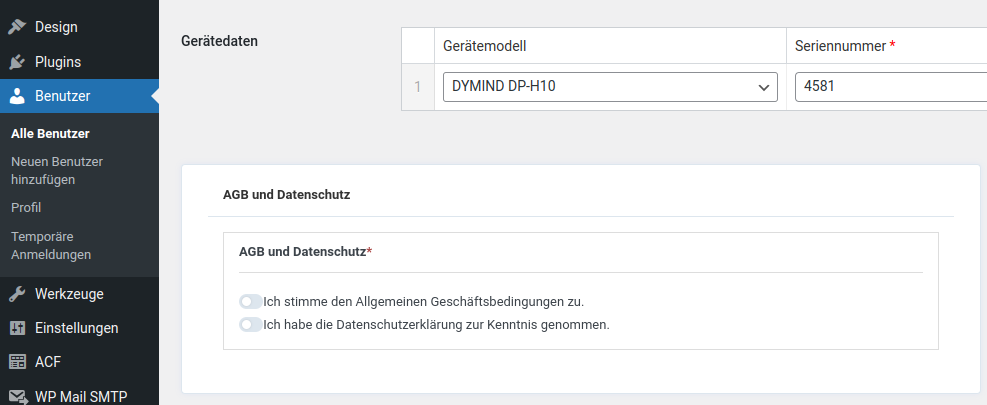
Another thing that stood out: In the front end, you can check the boxes for terms and conditions or data protection, but these are not transferred to the user settings. In the following screenshot, the two checkmarks were set during registration.
https://loewe-med.de/wp-content/uploads/2024/07/wpdm-frontend-checkboxes.png
Thank you very much!
It works. Thanks so much.
Thanks for your help, it’s working.
Yes, you can check. Thanks a lot.
Many thanks for the help. Very strange. I use Chrome on Linux. I deleted all browser files and now the captcha appears.
And what’s really strange is that the captcha is always visible in the Chrome incognito window, but not in the normal window.
Thanks for the tip and sorry for the late response. Where do I get the language file or how do I activate it in WordPress? At https://translate.wordpress.org/locale/de/formal/wp-plugins/download-manager/ the translation is set to 65%.
However, when I look in LocoTranslate, the translation is set to 100%, but this is not correct.
See ► https://loewe-med.de/wp-content/uploads/2024/07/wpdm-language-de_DE.png

Thank you very much!
Hi,
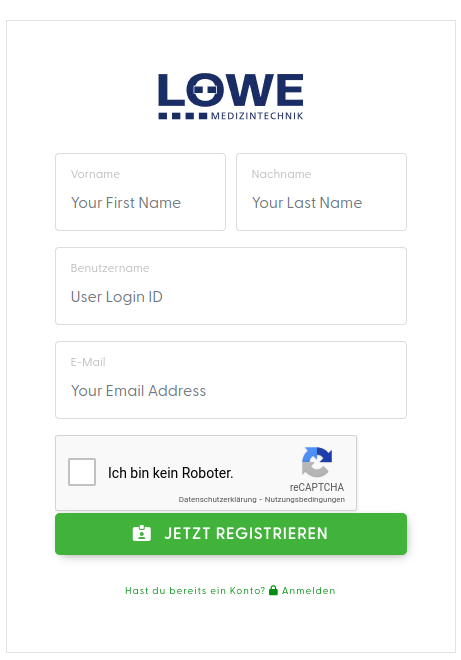
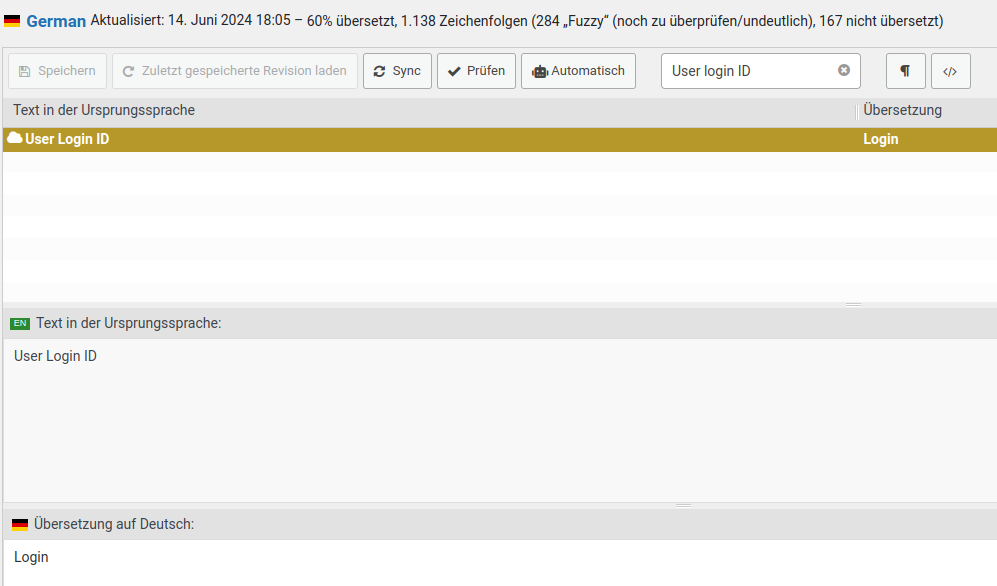
as I see, the terms are already translated according to Loco Translate, but are not displayed in the frontend.
Frontend: https://loewe-med.de/wp-content/uploads/2024/06/wpdm-language.png
Loco Translate: https://loewe-med.de/wp-content/uploads/2024/06/wpdm-loco-translate.png
Best regards!
Hi,
Yes, that’s how we did it. It fits so far. But when a user logs in, they also see the WordPress toolbar. They can’t do anything, but it could be irritating. Can this be ‘switched off’ or bypassed?
Best regards!
Hi,
thanks for the screenshot. We have fixed it.
Best regards!
Thank you for your help. Everything is running as expected.
Best regards!
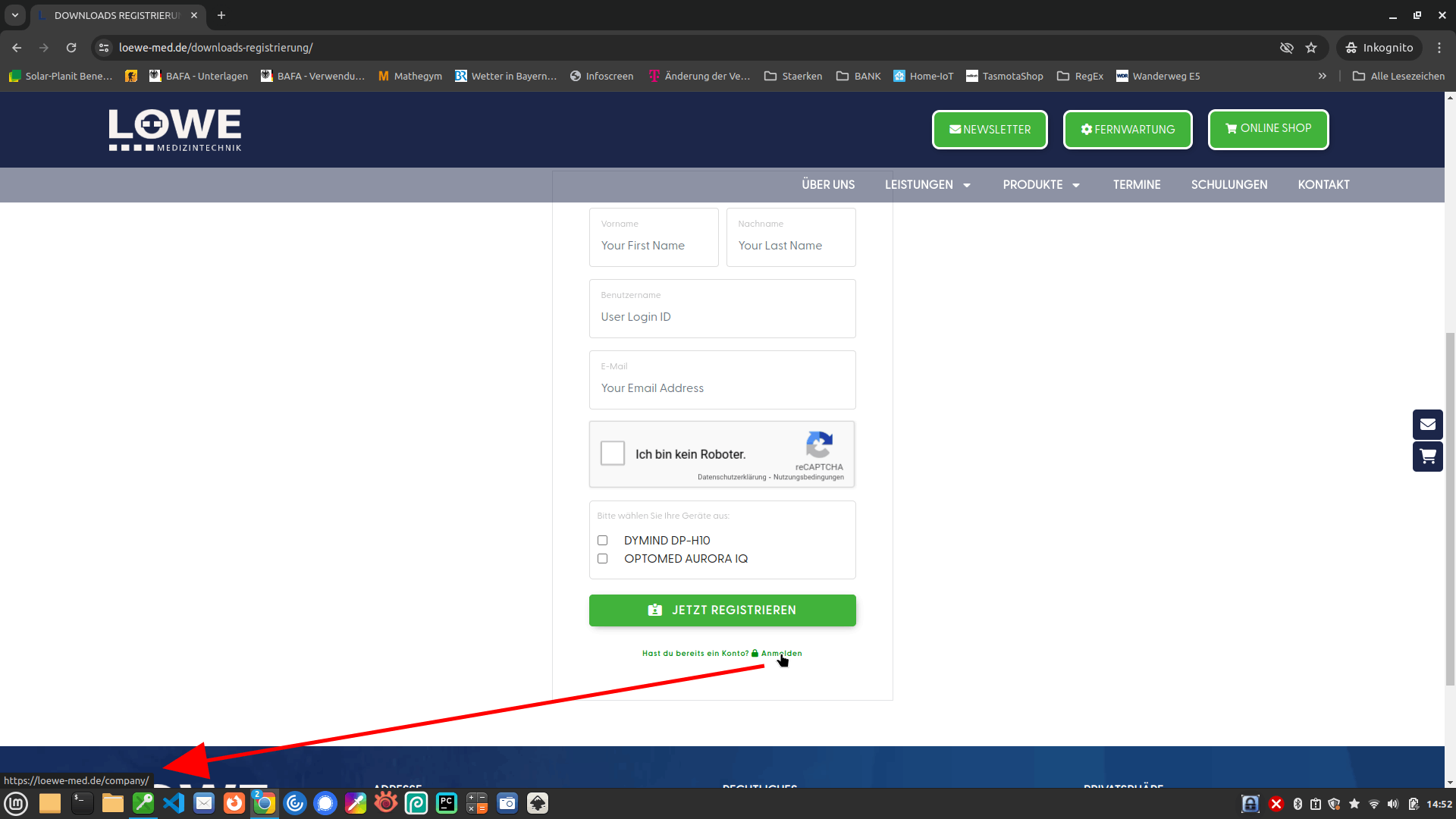
Thank you for your help. Exactly, if we change the login page to “None Selected”, then it fits, but the links (Login, Forgot password, …) point to the WordPress standard. And we don’t want that. These should point to “https://loewe-med.de/download-login/” or “https://loewe-med.de/download-login/?action=lostpassword”, for example.
Can this be customised somewhere? Then we would be super happy :-).
https://loewe-med.de/wp-content/uploads/2024/05/wpdm-link-01.png
Thanks!
Hi,
my only problem is that on the WPDM login page the header and menu are not displayed. I have already duplicated the page, but the header and menu do not appear. The links now fit if you select the pages as shown in the screenshot above.
Any ideas?
Hi,
yes, we know the point and it would also be correct to enter something here. The only problem is that when we enter the page here, header images etc. disappear.
1. It should look like this: https://loewe-med.de/wp-content/uploads/2024/05/login-page-01.png
2. With this setting: https://loewe-med.de/wp-content/uploads/2024/05/login-page-02.png
3. But if we change it like this: https://loewe-med.de/wp-content/uploads/2024/05/login-page-03.png
4. It comes out like this: https://loewe-med.de/wp-content/uploads/2024/05/login-page-04.png
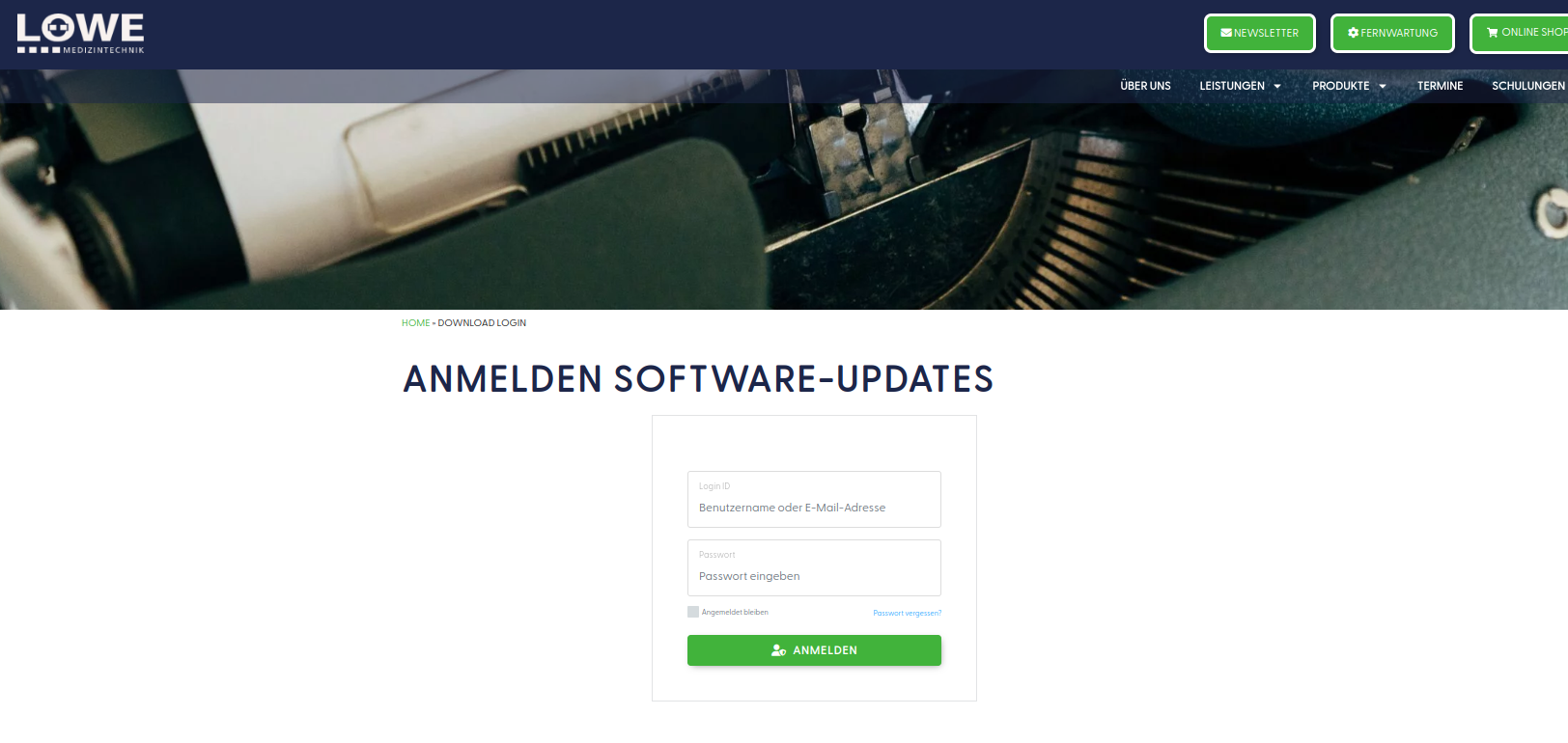
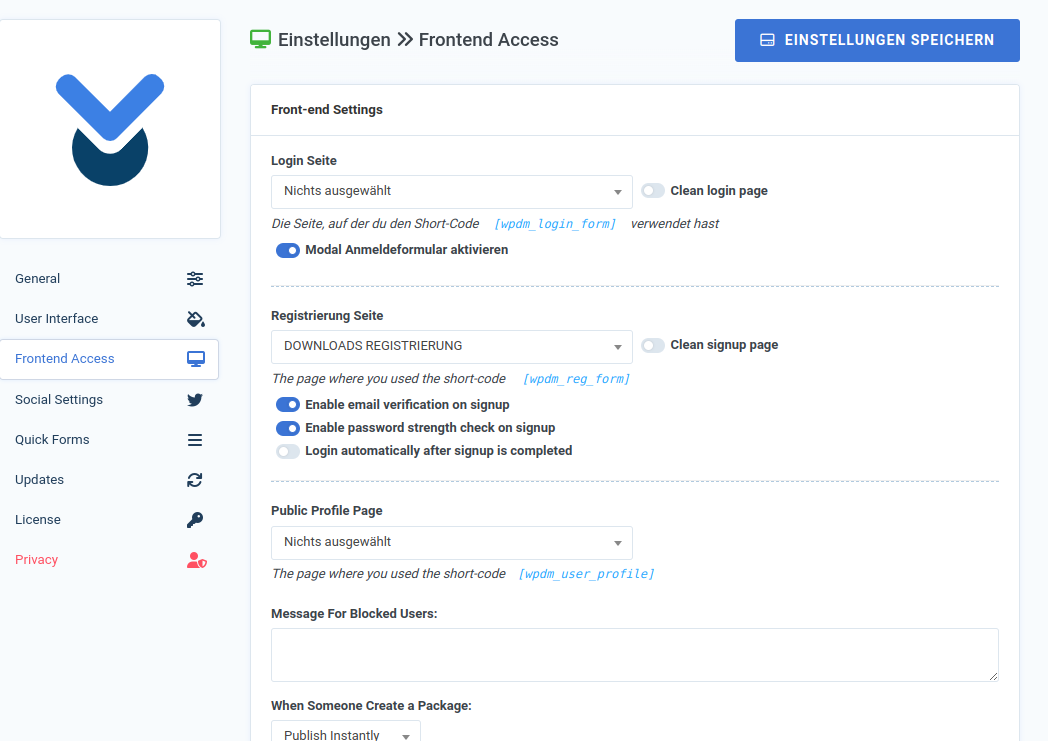
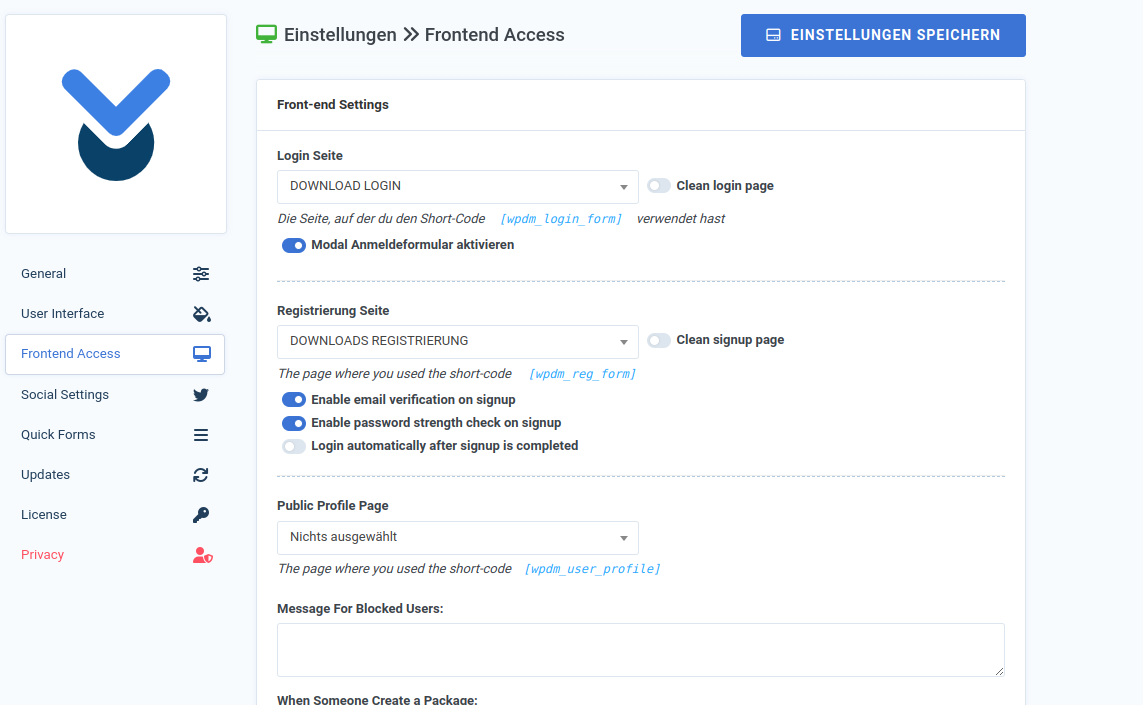
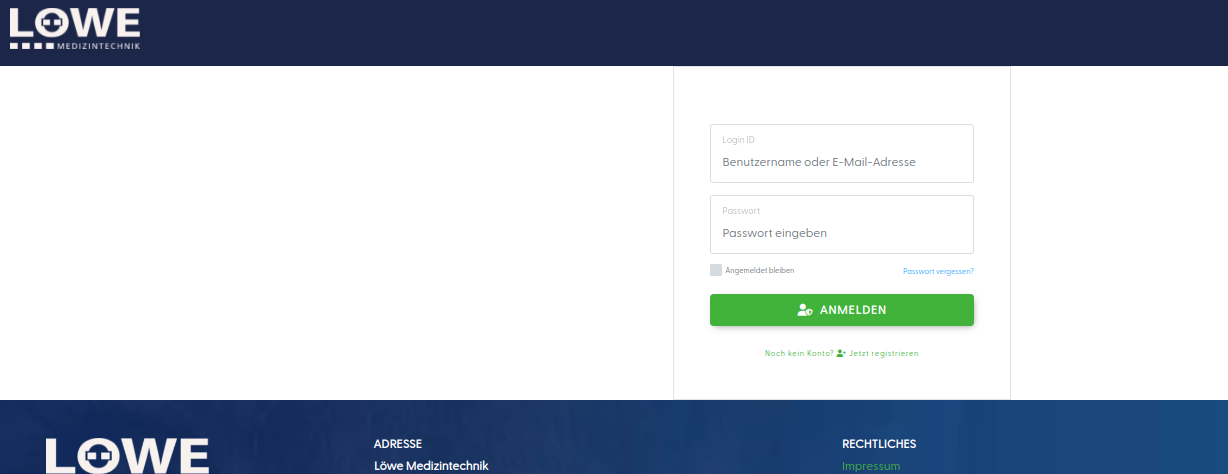
If we set 3 and 4, the URLs match, but not for 1 and 2. If we use 1 and 2, the header fits, but not the URLs.
Thank you very much!