personnal icon instead of type of file icon

in Download Manager Free

Viewing 5 posts - 1 through 5 (of 5 total)
Nov 26, 2019 at 5:15 pm
#115478
Participant
Mikaël G.
OP

Hello,

How I can use my personnal image in the dashboard with all my download.
I’m using “wpdm_all_packages” to list all package, but I don’t see any option to use my personnal icon (set in the settings of the package to download)

Thanks for your help !

Nov 26, 2019 at 8:23 pm
#115510
Member
Abdus Sattar
Staff

hi,
Please upload the icon file and use the link in the package settings icon to show the specific icon for the package. jpg/png files will work as an icon. Or you can use [thumb_WxH] or [featured_image] to show the package feature image as a thumb.

Thanks

Nov 27, 2019 at 10:46 am
#115535
Participant
Mikaël G.
OP

Thanks,

Icons are already uploaded and setting up.
For the rest, sorry I don’t understand.

For example, I’m using this short code :

[wpdm_all_packages items_per_page="20" categories="windows" jstable=1 order_by="field_name" order="ASC/DESC" cols="title,file_count,download_count|categories|update_date|download_link" colheads="Title|Categories|Update Date|Download::155px"]

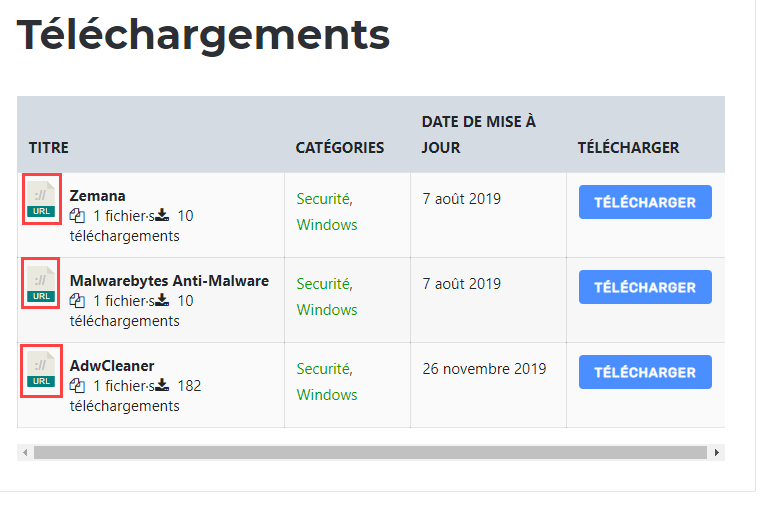
the result is this one :

What shortcode use to see my icon instead of basic icon ?

Thanks !

Nov 28, 2019 at 7:39 pm
#115649
Participant
Mikaël G.
OP

any idea ?

Dec 3, 2019 at 9:52 am
#115976
Keymaster
Shahjada
Staff

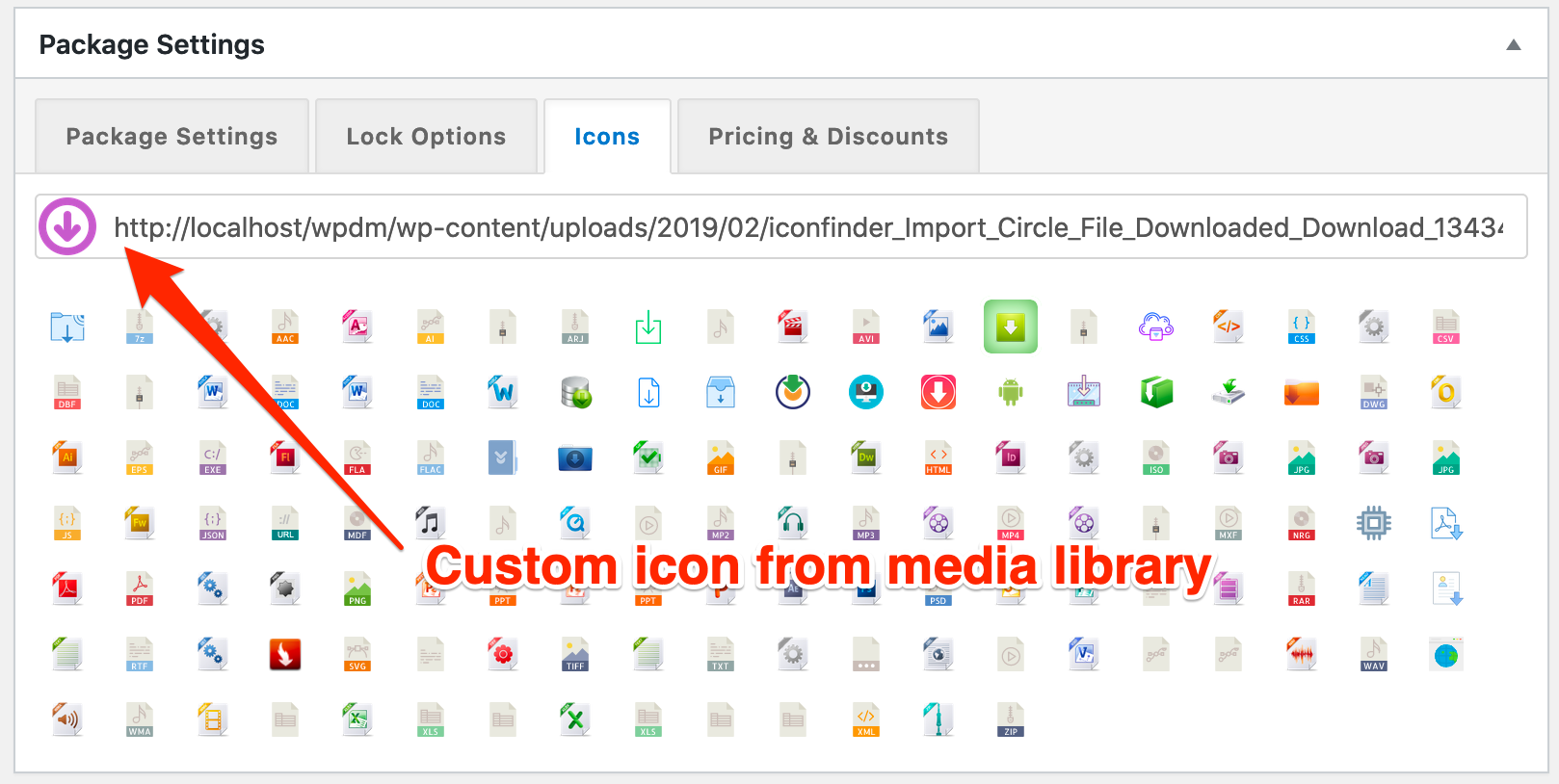
@mikael-g, sorry for the delays, for now, it only show default file type icons, we are adjusting it in next update and the table will show custom icons selected from icons tab:

Custom Icon

Viewing 5 posts - 1 through 5 (of 5 total)

The topic "personnal icon instead of type of file icon" is closed to new replies.