How to remove the widget sidebar

in Download Manager Free

Viewing 4 posts - 1 through 4 (of 4 total)
Apr 15, 2024 at 8:16 pm
#194755
Participant
Shane O’Neill
OP

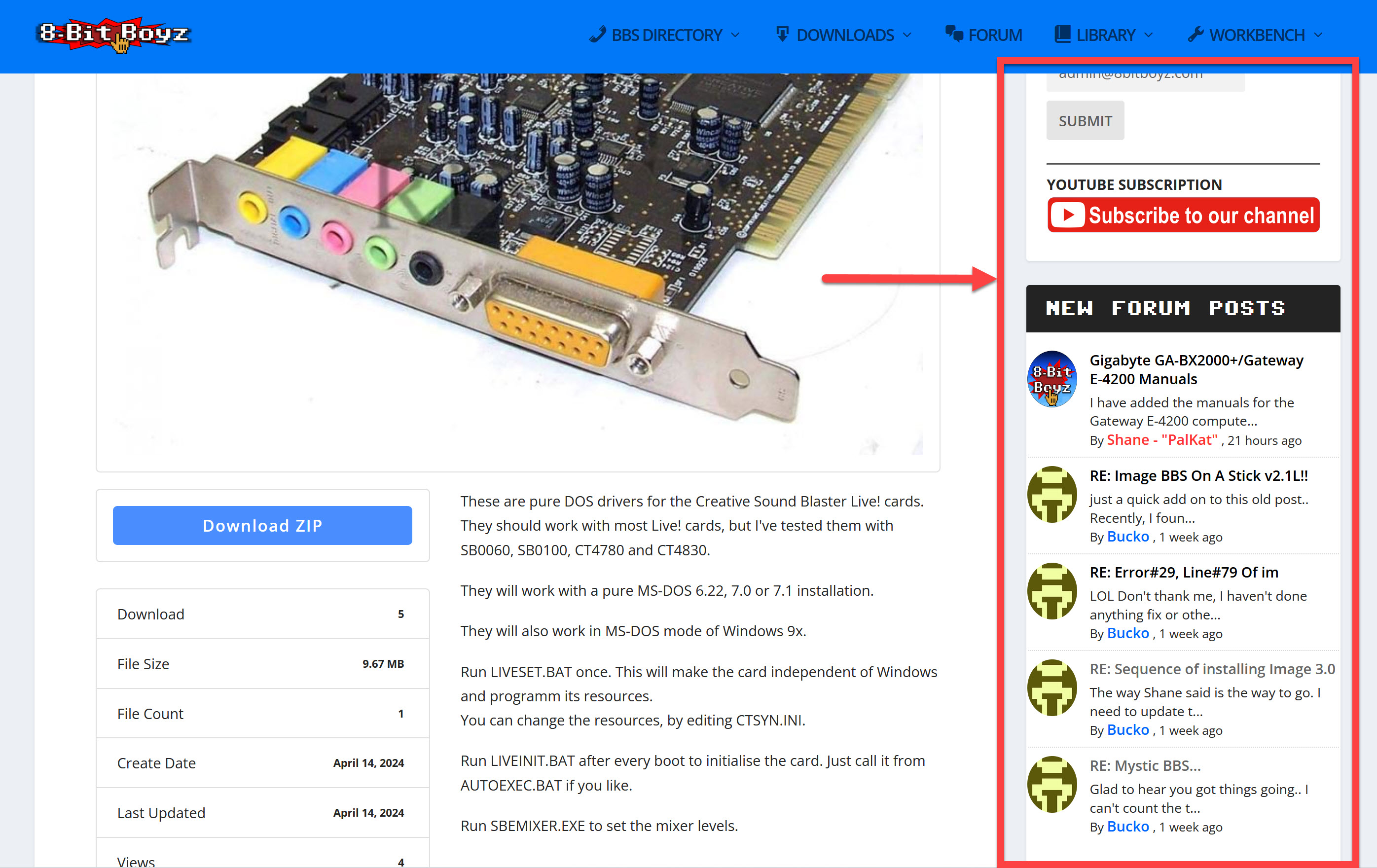
I have been searching and maybe I am overlooking this setting, I want to remove the wordpress sidebar on each download item’s page.

In the attached image here the section in the red box is what I would like to remove, where could I find the setting for this or code??

sidebar I want to know how to remove.

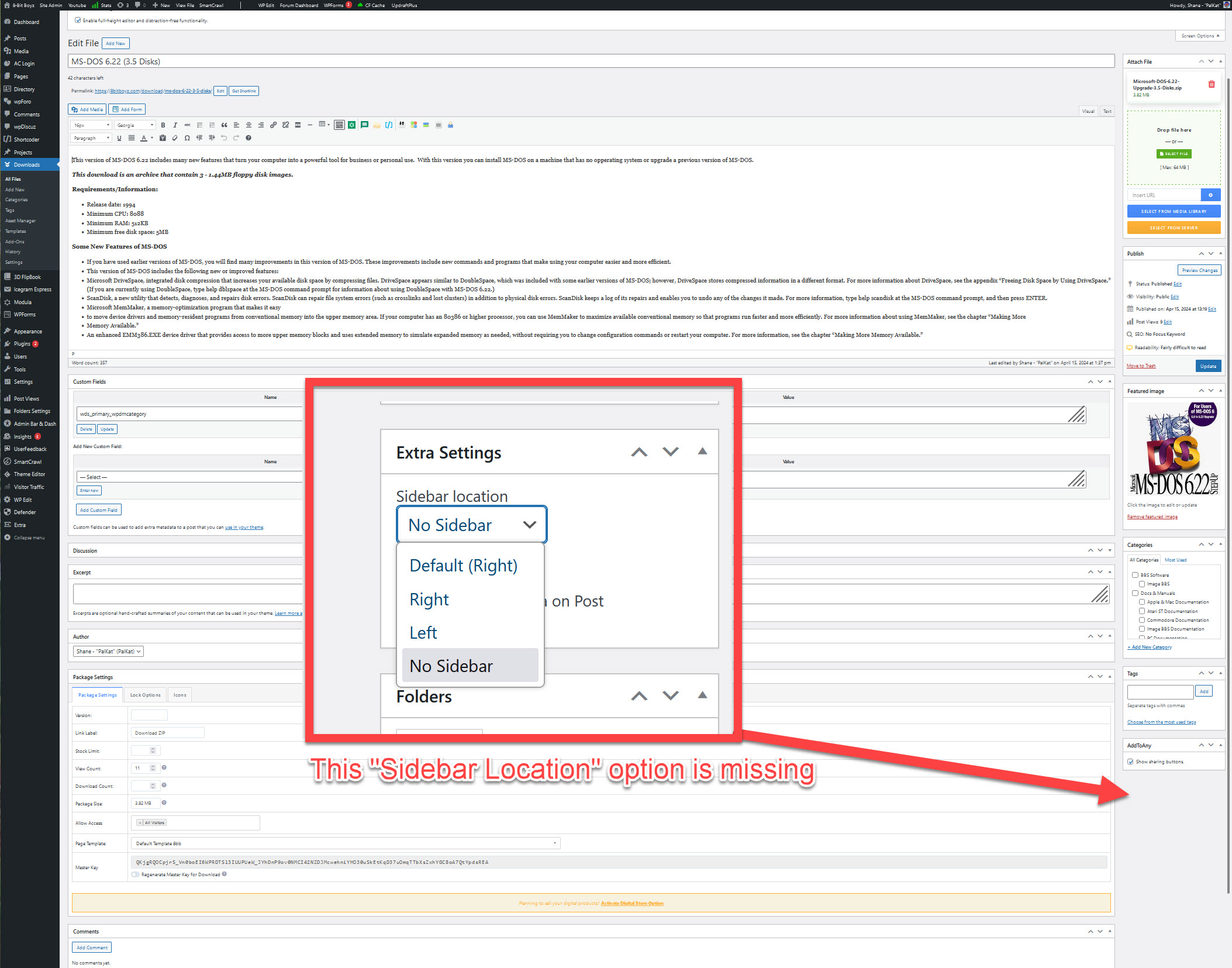
On the edit page for the individual download(file) there is no SIDEBAR LOCATION option on the right side as shown in this image.

no sidebar location option.

Apr 16, 2024 at 3:50 am
#194758
Moderator
Tahasin
Staff

Hello, Shane

I hope this message finds you well and thanks for writing to us.

Could you please share wp-login credential in a private reply to check the issue?

Regards

Apr 16, 2024 at 10:34 pm
#194778
Participant
Shane O’Neill
OP
This reply has been marked as private.
Apr 17, 2024 at 5:35 am
#194782
Moderator
Tahasin
Staff

The sidebar is controlled by your theme. So you will need to ask your theme developer how the sidebar can be hidden, or you may use this plugin, Content Aware Sidebar to hide the sidebar from your desired pages.

Regards

Viewing 4 posts - 1 through 4 (of 4 total)
The topic "How to remove the widget sidebar" is closed to new replies.