
- This topic has 16 replies, 3 voices, and was last updated 6 years, 8 months ago by
Salahuddin Ahmed.

Hey Guys,
I have created a new file to download from a URL (google drive).
Now, when I click on the button to download the file, it takes me away from my current page instead of opening a new tab!
How can I force a click on a button to open in a new Tab/Window?
Thanks.

Hi, you can try the following shortcode in a page
[wpdm_direct_link id="Package ID" target="_blank" label="Download Me!"]
Unfortunately, it didn’t work 🙁
Hi, Could you please share your Admin login temporarily in a private reply so that I can have a look inside?
Just login in the front page and you will see the admin tool bare.
Please check out the second button (brown), it’s a link to a google drive file:
https://forum.tesreg.com/community/main-forum/download-files/
This is the shortcode: [wpdm_button_template id=74 target=”_blank” style=”coffee” align=”center”]
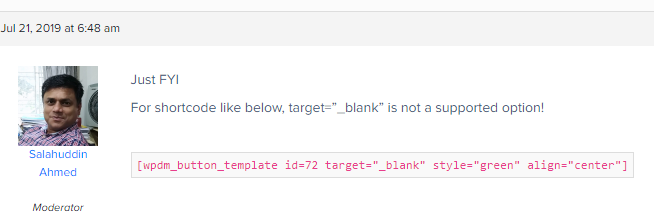
Just FYI
For shortcode like below, target=”_blank” is not a supported option!
[wpdm_button_template id=72 target="_blank" style="green" align="center"]
I don’t understand… What is the difference between your shortcode and mine?
Do you mean I can’t use target=”_blank” with a button?

@beyondforce, the button template add-on doesn’t have any parameter named target. Please use:
[wpdm_direct_link class="btn btn-success btn-lg" id="74" target="_blank" label="Download"]
What a shame… I wanted to use the button 🙁
Hi, See in my earlier msg I have mentioned target is not supported
Okay, thanks for trying to help.
You are most welcome!
The topic "click opens a new Tab/Window." is closed to new replies.